



Officer Nathans
Members
-
Joined
-
Last visited
Everything posted by Officer Nathans
-
 Thank you!! I love the car!
 -
is there anyway we could get a template for this car?
-
 Great mod man! Can't wait to see what else you come up with.
 -
 fr, like i need this car!!!
 -
 Im glad it is working for you now!
 -
I will see what I can do about making a texture for them It should be fixed now
-
Hello! I just uploaded the new file with the YTD version of the texture. It has to be changed manually, of course.
-
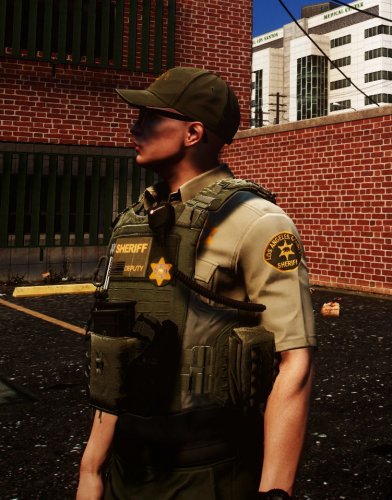
A LASD vest for the EUP vest and EarPiece mod. The vest used is Vest 7 setup 1 LASD Uniforms made by me:
-
 the plugins folder is created when you install lspdfr. the error of not having the mod downloaded means that you have not downloaded the search and rescue version of the mod to go with it. As I think eup and sr share some assets.
- 2,341 comments
- 236 reviews


