



Officer Nathans
Members
-
Joined
-
Last visited
Everything posted by Officer Nathans
-
 PLS DO!! I know the mod is outdated but it dont leave my game
 -
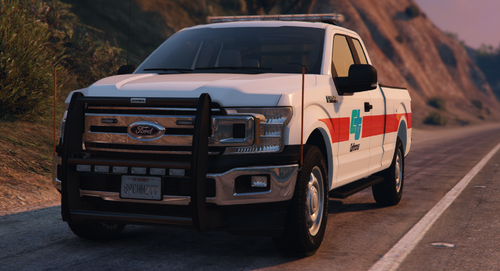 hmmm... this livery looks verrrry close, actually exactly line by line like the one i made
 -
-
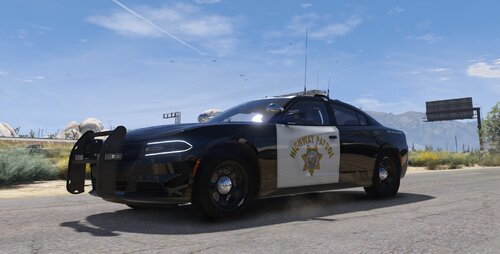 Hello, I have already done so. But, the file is only on Maxime and Blaidens Discord.
 -
The CHP charger in the video uses siren slots SIREN_WAIL_03 and SIREN_QUICK_03. Make sure the siren audio is in these slots.
-
you have to accept the rules I believe
-
You have to go to the sahp 2020 charger channel.
-
Just updated with the new link.
-
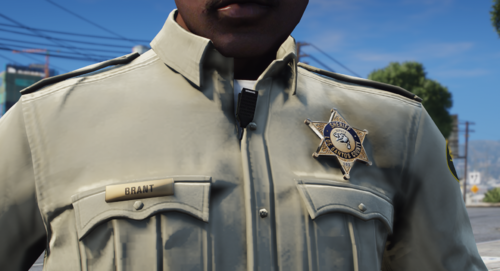 yoo whats up my guy lol
 -
You are very much welcome friend. More coming soon for LAPD.
-
Thank you. I tried to find a way to move it after I realized lol. The model is not mine. So I have no way to make it ELS. I was given permission from the model owners to make it DLS compatible for single-player. DLS is way better than ELS.
-
Yes, if you look at the readme I included that you must fix the vehicle meta file. They have the wrong name for the handling line. Just go in and change it to the correct name in the handling meta file.
-
I have finally updated the DLS configuration files for Maximes SAHP/CHP 2018/2020 Dodge charger. This is just the DLS configuration for single player. To get the model, join MB mods discord listed below. Discord Link: https://discord.gg/fkmA9FNcGR DLS Demo:
-
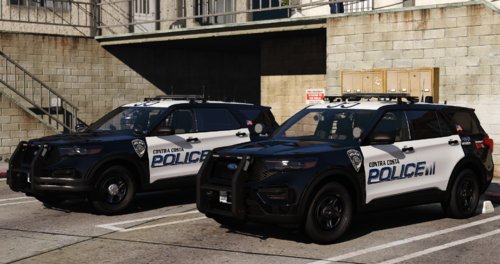 You can get the non els to els mod to make it work with els. No extra stages, but it allows for siren changes.
 -
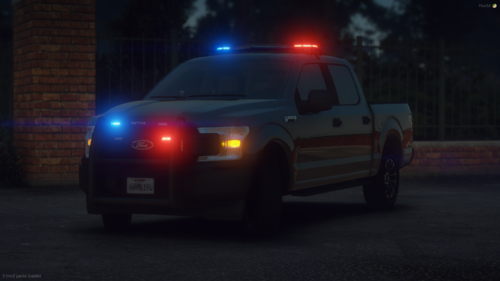 hey man! Would you be okay if I made these into a dlc pack with liveries? With credit given to you, of course
- 12 comments
- 2 reviews
-
From the album: Blaine County Sheriff 16 Car Livery Pack- Preview
-
-
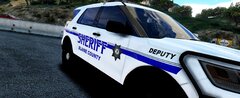
From the album: Blaine County Sheriff 16 Car Livery Pack- Preview
-
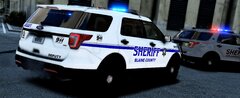
From the album: Blaine County Sheriff 16 Car Livery Pack- Preview
-
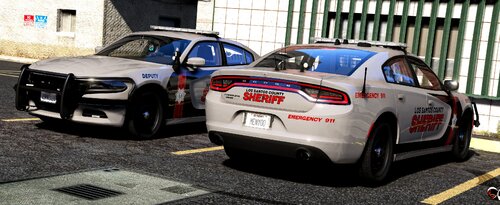 The los county sheriff has a livery pack on my profile. But I’m either gonna remake them to be like this, or make this into the Blaine county instead.
 -
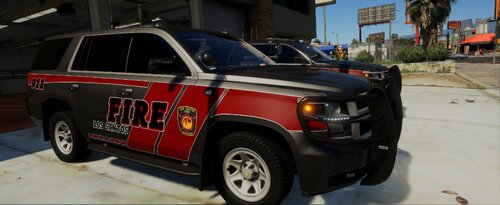 So this one is pretty simple. I loved the design Stobe had for these. So i figured i would make them a fire department variant. The font and lettering is different, and of course a different logo. But all credits to him for the original design. Stobes Pack:
 -
Well, I had already made a pack for this department. But after making this, I'm going to be making a V2 for it. Or it might be the template for the Blaine County Sheriff pack I'm going to be making.
-
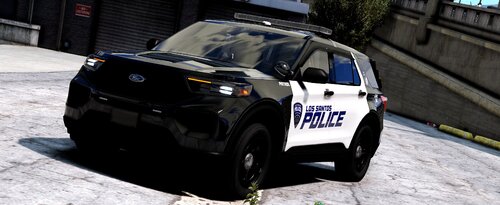 Finally, after many, and I do mean many, different styles for the LSPD, I finally made one that looks good and is simple at the same time. I have left the unmarked Charger and Tahoe as unmarked for those who want to do some midnight warrants and gang unit. Both the 2018 and 2020 explorers have patrol and supervisor liveries. This will receive an update once I make a custom plate to put on all of my liveries. The pack used:
 -
Well, the sheriff finally got his new chargers in today. He was surprised when he saw the new design that the office ordered. But he says he loves it. The deputies sure do, they have some new equipment and SPEED. Vehicle Used:
-
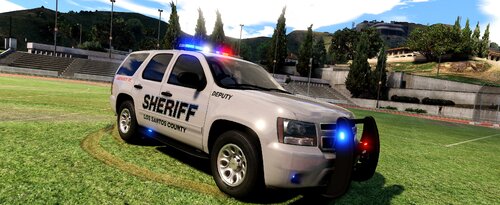 This is a custom livery pack made with no real department in mind. This pack includes a wild life deputy, rescue, volunteer, and normal patrol skins. The only vehicles in the pack that do not have the custom skins is the 06 Tahoe and the Ford raptor. Do NOT claim these as your own. Changes are not to be made to the skins. Vehicles used:





