KazumiY
Members
-
Joined
-
Last visited
Everything posted by KazumiY
-
after checking on multiple other servers i can say. nope... the problem is always there
-
I have not tired that out yet, but i will. also this is just a local hosted server by myself, i only use it to test liveries on vehicles and worked so far on all the other vehicles.
-
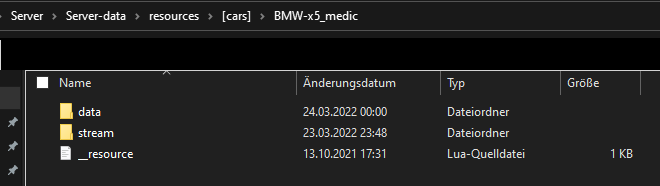
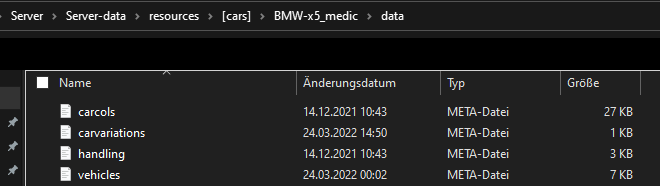
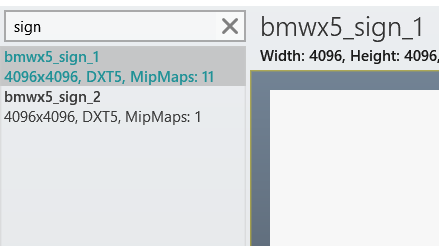
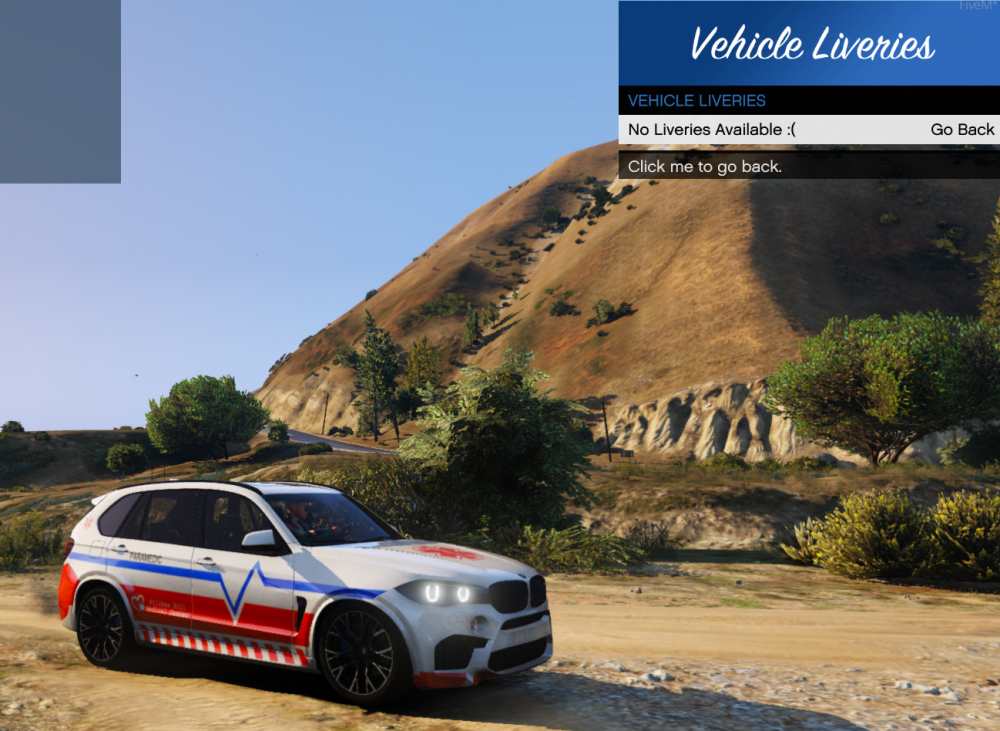
Hello, thanks for taking your time to try and help me. I have read a lot of Forum posts on this topic and made sure to follow all steps, yet it isn't working. Let me show you what i mean. First of all my flags are set correctly my vehicles.meta file contains those flags; <flags>FLAG_IS_OFFROAD_VEHICLE FLAG_HAS_LIVERY FLAG_EXTRAS_REQUIRE FLAG_EXTRAS_STRONG FLAG_LAW_ENFORCEMENT FLAG_EMERGENCY_SERVICE FLAG_IS_BULKY FLAG_HAS_INTERIOR_EXTRAS</flags> so "FLAG_HAS_LIVERY" is in there. The File of the vehicle also came with a template file which i used to work on. I also tryed to replace my new made livery with "bmwx5_sign1" and it works, but doesn't support multiple Liveries either like i wanted to add for the vehicle. - Screenshot 1 - File structure - i just added this one due to me never working with a "data" folder before on any vehicle. Yet if i try to place the meta files in the BMW-x5_medic folder it won't spawn in. - Screenshot 2 - meta files - i just figured i put it there too, should contain all the files and i checked them aswell they are correctly labeled to the vehicle. - Screenshot 3 - OpenIV Liveries - just to show there are 2, and they are named correctly. already tryed uploading it as DXT5/DXT1 and with different MipMaps levels even tho it shouldn't change anything - Screenshot 4 - In Game - That is what i see ingame, the vehicle spawns with whatever "bmwx5_sign_1" is and does not have any other available Liveries. I would be very thankful for any help.