


quary
Members
-
Joined
-
Last visited
Everything posted by quary
-
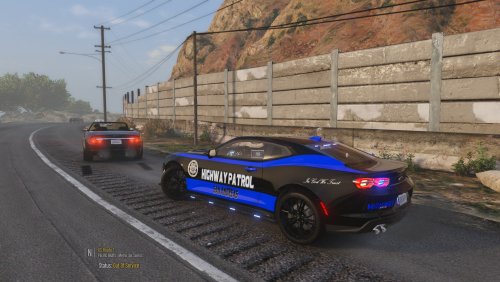 Thank you, this is what i was looking for a long time
 -
-
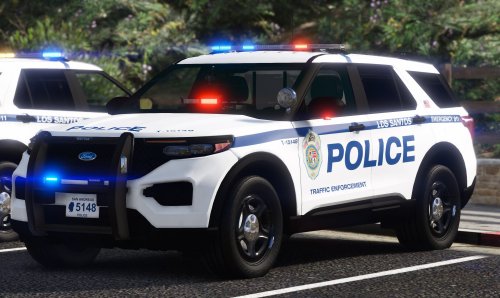 but the lighting only works on ford crown victoria. On the Dodge Challenger, the light bar simply does not light up, and on the Ford PI, it simply burns continuously. Can someone tell me how to fix this please?
- 39 comments
- 2 reviews
