
marshalllll
Members
-
Joined
-
Last visited
Everything posted by marshalllll
-
 So I try and open compulitle, I get an alert saying "COMPULITE is failed to load. Please restart LSPDFR", happened since I installed, this, I've restarted LSPDFR more then ten times to get this to try and work, I am not restarting it over and over.
 -
I have installed Scene Manager and the sign pack for Scene Manager and police tape. None of them work.

-
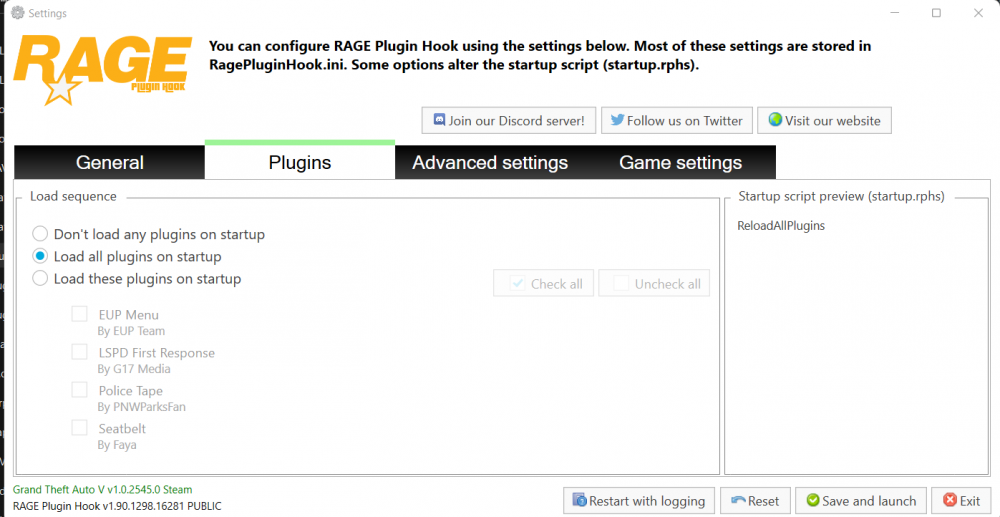
I have installed HeapAdjuster and PackFilelimitAdjuster and I crash with erroes 'Memory fail, please restart' proceeded with 'Breakpoint A' errors, and GTA crashes. How can I fix this? This happens when LSDPFR starts to load.
-
-
 Only works on some plugins, getting support to get it to work on others is a pain in the backside.
- 323 comments
- 17 reviews
-
Hang on, it just seems to be the Scene Manager & Traffic Signs that do not work, as my EUP is working.
-
Ignore, managed to fix
-
Now that I have manually installed some plugins it now crashes on duty. RagePluginHook.log
-
No, I am just using this as an example as they did install correctly I have removed the callouts so now there are just these
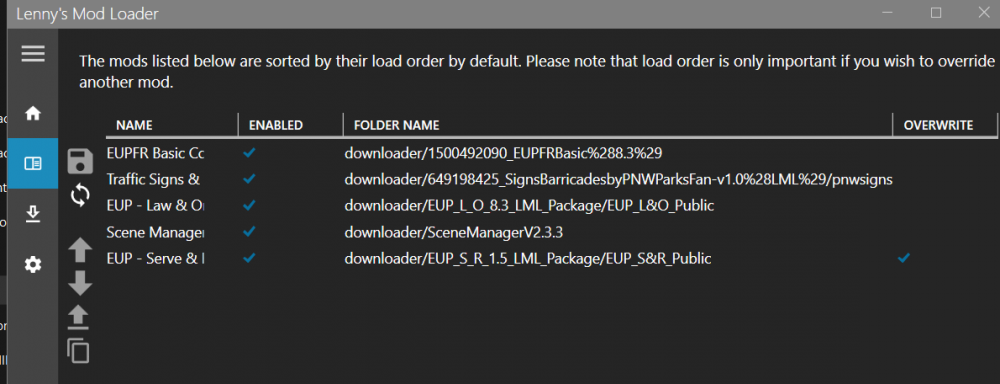
-
Anything I have installed using LML does not work, for example, i installed callouts with LML and only the default 2 work.
-
Manually Installed plugins LML Installed
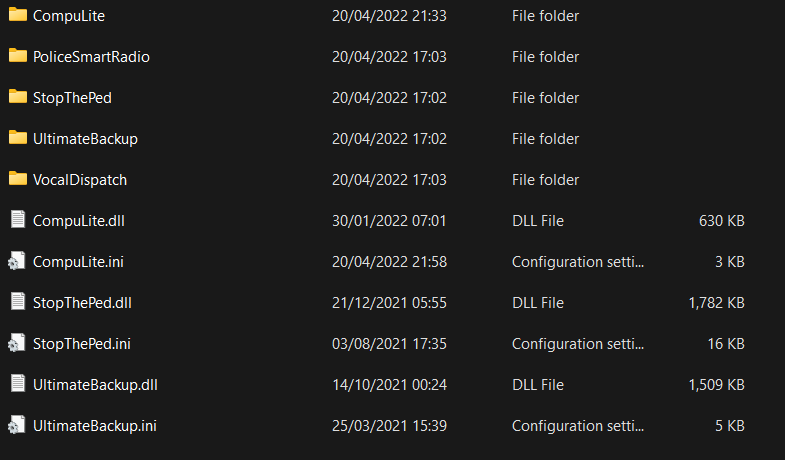
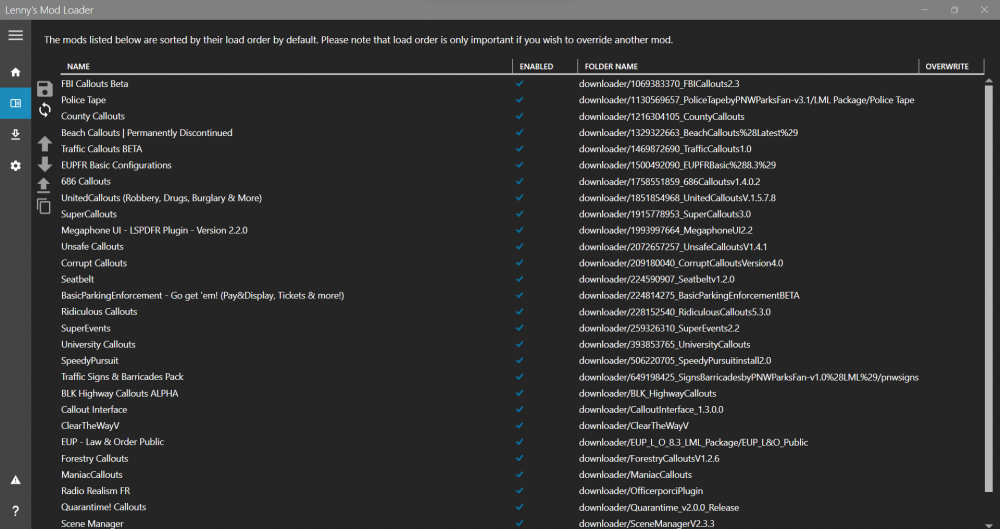

-
So, the game no longer crashes, but any modes I installed with LML do not load. RagePluginHook.log
-
Just done, LML mods still do not load.
-
None of my LML Installed mods work in-game. Whenever I start a duty with LSPDFR, I do get a warning saying something is not working, so i'll post my RPH log. RagePluginHook.log
-
I have removed about 5 mods, now just an error, and none of my LML installed mods appear installed. RagePluginHook.log
-
Ok. It now does not crash on loading, does crash on duty. RagePluginHook.log
-
I've installed it twice, is it just the LML install is outdated?
-
RagePluginHook.log
-
Now its crashing while loading LSPDFR RagePluginHook.log
-
Still crashes on duty start.
-
I have followed RPH's general advice (setting something to 6000 and changing an LSPDFR setting) but my game still crashes on startup, my plugins are installed via LML RagePluginHook.log I think this maybe causing it [4/20/2022 6:39:08 PM.866] LSPD First Response: [WARN] Path without extension: lspdfr/data/custom [4/20/2022 6:39:08 PM.902] LSPD First Response: [WARN] GetOutfitVariation: Failed to find outfit lspd_cop [4/20/2022 6:38:40 PM.107] LSPD First Response: [WARN] GetOutfitVariation: Failed to find outfit mp_fib_shirt [4/20/2022 6:38:33 PM.247] LSPD First Response: [WARN] Police station beaverRanger has an invalid agency assigned The first one appears a few times Second one appears about three times Third one appears about three times
-
@LMSI did this, but once I did the game started to crash on start-up again.I was told by a RPH helper to name mods to _mods, vfs.dll to _vfs.dll & lml to _lml, how do I get LML to still work?