SergeantAviation
Members
-
Joined
-
Last visited
Everything posted by SergeantAviation
-
 take this shi down immediately 🥀
 -
 kinda late to all of this, but does anyone know how to fix this: When I open the editor menu, I can't use my mouse because it's just stuck in the middle of the screen and then I have to end up restarting my whole game just to close the editor.
- 477 comments
- 73 reviews
-
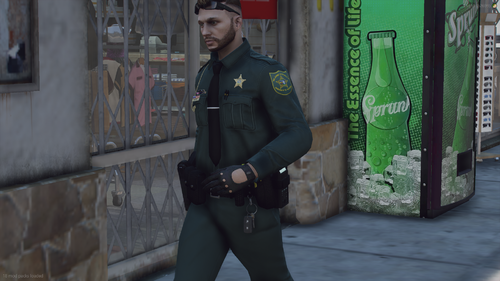 Soo, do you have any good LSPD EUP packs, if not, I would like to request one, as I have been searching far and wide for some free and good looking LSPD EUP packs.
 -
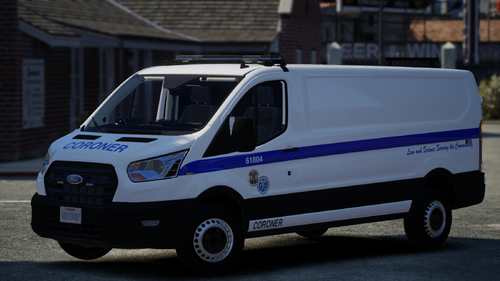 The van looks nice, but how do I get it to spawn in, because when I call coroner for a dead person, it shows up with the ordinary grey van. Not the custom one.