Cleftman117
Members
-
Joined
-
Last visited
Everything posted by Cleftman117
-
-
-
-
 I enjoy it, for some reason it ends before load up, but is much better than the passive audio at the beginning at default.
 -
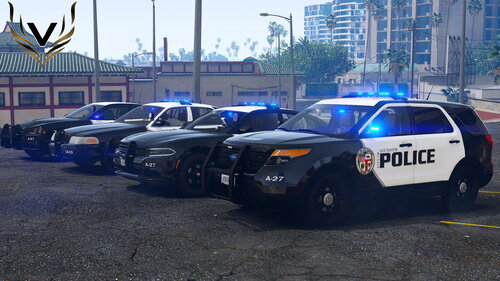 I love this pack, the only thing is the reflections for the lights are still red and blue and the stage 1 light reflections are yellow instead of blue. Another thing I would like to see in this pack is maybe lore friendly items inside the car like a computer and items in the trunk of the cars. Other than that the pack is beautiful and well done.
 -
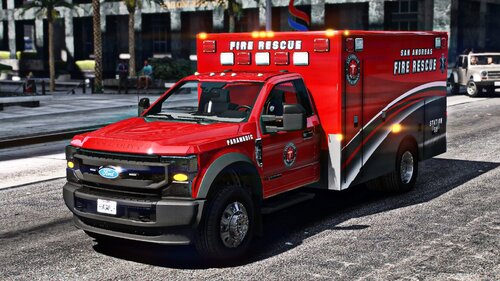 My only issue is that the read me file was useless. I was expecting a file path or download instructions. Something.