HyperNeonX
Members
-
Joined
-
Last visited
Everything posted by HyperNeonX
-
-
I think it was either RDE or one of the vehicles causing trouble, now my game works fine for now. Thank you!
-
There you go. Also, I already tried naming mods to _mods and still no results RagePluginHook.log
-
Ok, i already reinstalled everything, i played lspdfr vanilla without problem, but the first try with the same mods as before (without Ablo's plugins) was fine too, but the second try, it crashes once again and sends me to Michael's house
-
 This seems to not works with newer versions of EUP, I always have missing textures or messed up outfits with this, even with EUP L&O and EUP S&R
- 263 comments
- 21 reviews
-
-

- 4
-
-
Still not working properly, might just reinstall all plugins and lspdfr, i think i messed up with some files lol. But still, Thanks for the help 🙂
-
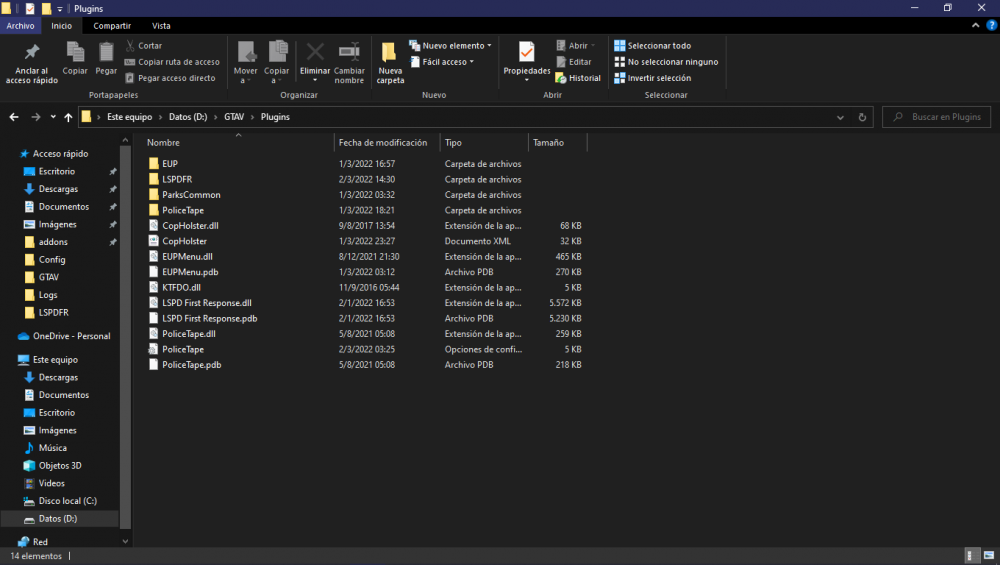
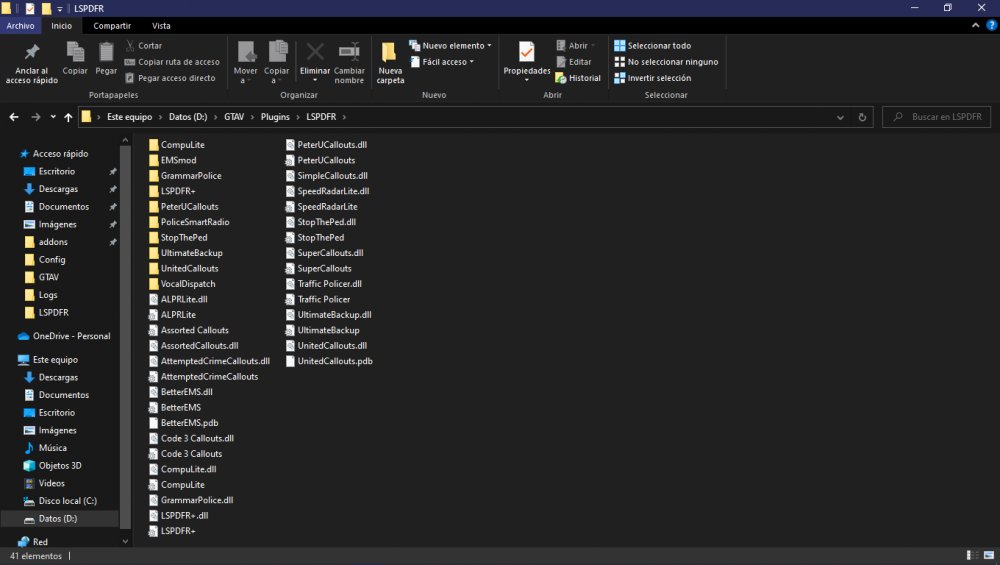
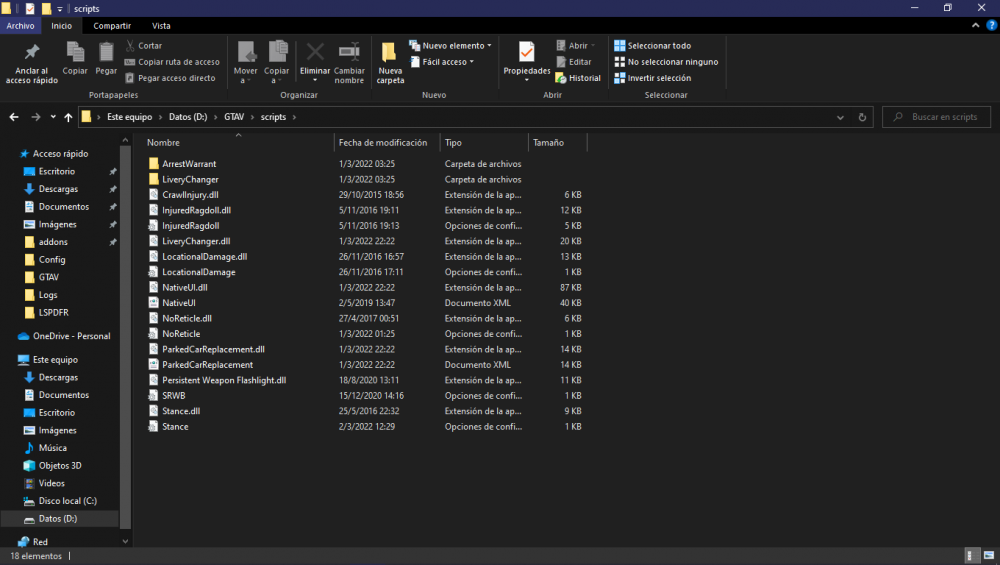
So I been playing without any trouble (with quite a couple of plugins), but now my game suddently crashes everytime I load up a new game, It just loads into my character but right before that, it crashes with the error "[FATAL] Forced termination" and sends me to Michael's house for some reason. This also occurs randomly and Im constantly have to reload the plugin. Is there any fix? I included the RPH.log file and a pic of both plugins and scripts RagePluginHook.log