frostoso
Members
-
Joined
-
Last visited
Everything posted by frostoso
-
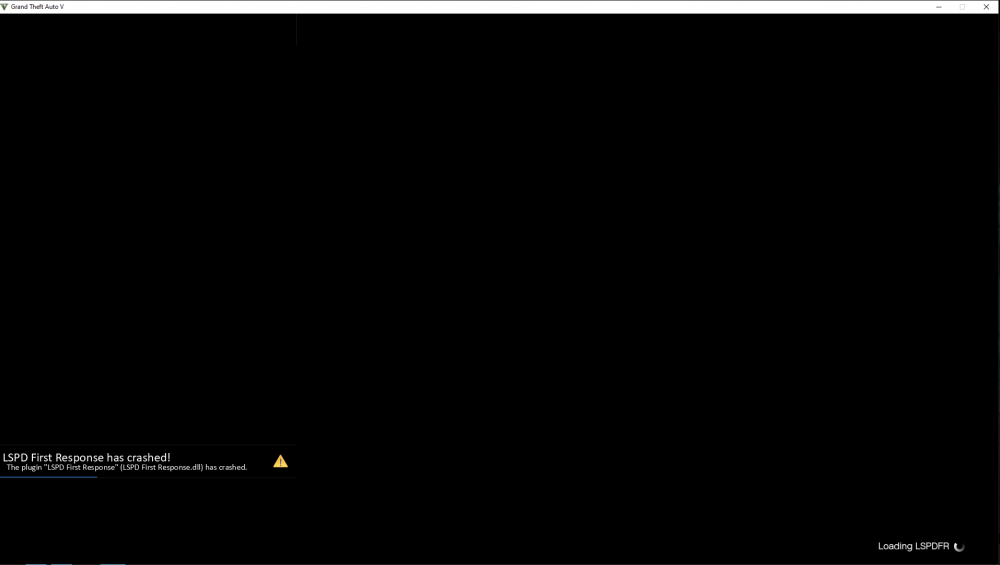
Ok, so little update, I have reinstalled all the mods I had before, I got passed the first crash but now my LSPDRFirstResponse.dll is crashing when loading LSPDFR. I'm trying to read the log but I can't figure it out what did I edit wrong or what mod is causing it to crash ? Can someone help ? RagePluginHook.log
-
Well, I already deleted the mods folder and I didn't make a backup. I saw that the only way to uninstall redux is to delete the entire mods folder, so I did. Now my LSPDFR is crashing when I'm launching it. Should I try to install all the mods I had before, except redux ?
-
I took a look at the game config, the texture loss still there. I forgot to mention that I also had GTA 5 Redux installed. So I've tried uninstalling redux by deleting the entire mods folder along with all my cars and I've stumbled into a new issue. Now each time I'm trying to launch the game, it crashes exactly at the picture screen with Franklin. Here is the log of RagePlugin. RagePluginHook.log
-
The only custom gameconfig I installed was the one coming from the heap adjuster. Is there any custom gameconfig out there I need to install ?
-
I installed all 3 of them, . I even set the heap limit to 2000 mb. I didn't touch the gameconfig because I don't want to mess something there. I managed to solve the freezes but the texture problem is still there. I don't think my PC specs are problematic, I also ran memory & GPU tests, everything is ok.
-
I installed only 2 vehicle pack mods and that is [ELS] BlueGhost's Unmarked Pack 2021 Q2 Update and 2017 California Highway Patrol Mega Pack - ELS . I lowered my texture quality but it doesn't fix it. I didn't install any 4k texture mod. I'm just wondering why am I having so much texture loss, like if I spawn more than three mod cars or call for backup more than twice, the texture loss starts kicking... I'm watching plenty of youtubers playing lspdfr and they have like 4 times more car packs and mods installed, legit every base car model in their game is replaced by a real life car brand and they can play the game with no problems for hours... How did they manage to make that possible ?
-
1) I already set this value on false since I have installed LSPDFR. 2) Here it is. RagePluginHook.log
-
Hello, I'm having some issues with LSPDFR, the game starts normally, I get to play it with no problems for about 30-40 minutes and then I get random texture loss and after a short time the game freezes and at this point I have to close it and restart it. I also have to mention that it's just the game freezing and when it does I can still access the menu by pressing ESC and quit the game. Any ideas or solutions for this ?
-
Oh my god, it finally works. thank you ! The one thing that solved all my problems was this one "4. Disable any in-game overlay such as Discord, Steam, OverWolf, or GeForce Experience." Freaking Geforce Experience overlay was the one causing all of this. Thank you again !
-
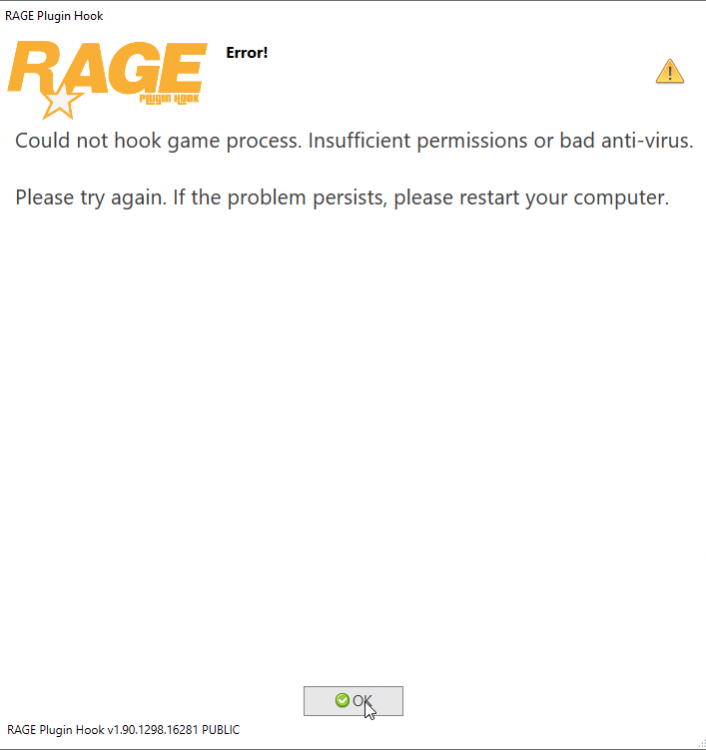
Hello, as the title says I'm confronting with a serious issue and each time I'm trying to enter via the rage plugin I always get this error message, I can't get this issue to work out. I tried running everything as admin (GTA5.exe, ragepluginhook.exe, epic client, rockstarclub app), added them all to windows defender and firewall exception list, disabled real time protection + UAC, reinstalled the game and LSPDFR and nothing... What else am I missing ? Is this just a me problem or it happened to everyone else ? I read a lot of topics, tried a lot of the suggested things to do but nothing works. I followed this tutorial: