Skip to content
View in the app

A better way to browse. Learn more.

LCPDFR.com

A full-screen app on your home screen with push notifications, badges and more.

To install this app on iOS and iPadOS
  1. Tap the Share icon in Safari
  2. Scroll the menu and tap Add to Home Screen.
  3. Tap Add in the top-right corner.
To install this app on Android
  1. Tap the 3-dot menu (⋮) in the top-right corner of the browser.
  2. Tap Add to Home screen or Install app.
  3. Confirm by tapping Install.

LennyPDFR

Members
  • Joined

  • Last visited

Files posted by LennyPDFR

  1. I create EUP names in Los Angeles style. I hope you find this good
     
     
    IT INCLUDES LAPD  -  Los Angeles Police Department
    LASD  -  Los Angeles Sheriff Department
    CHP  -  California Highway Patrol
    LAFD  -  Los Angeles Fire Department
    LAcOFD  -  Los Angeles County Fire Department
    BHPD  -  Beverly Hills Police Department
    SMPD  -  Santa Monica Police Department
    LAIA  -  Los Angeles International Airport
    LAPP  -  Los Angeles Port Police
    DEA  -  Drug Enforcement Administration
    FBI  -  Federal Bureau of Investigation
    AMR  -  American Medical Response
    California Fire  -  California Fire Department


    IM STILL WORKING ON IT     ###     Update will be soon


    REQUIREMENTS:


    • 819 Downloads
    • 5 Comments
    Updated
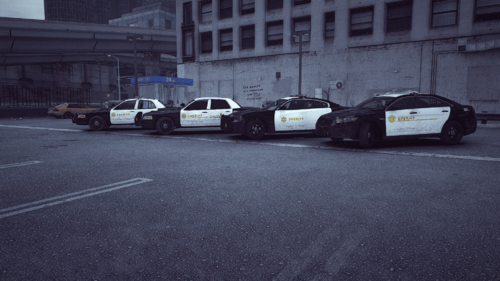
  2. Requirements:
     
     
    https://modification-universe.com/forums/resources/los-santos-sheriff-megapack.604/
    • 296 Downloads
    Updated
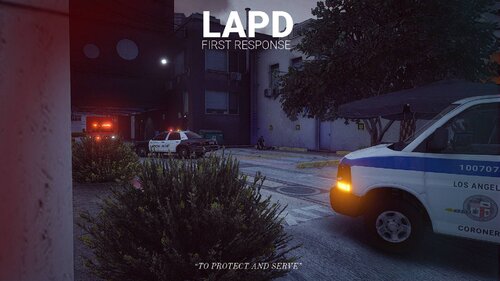
  3. Thanks for downloading my Custom loading screen
     
     
    Requirements:
     
    LSPDFR
    RagePluginHook
     
    • 403 Downloads
    • 1 Comments
    Updated
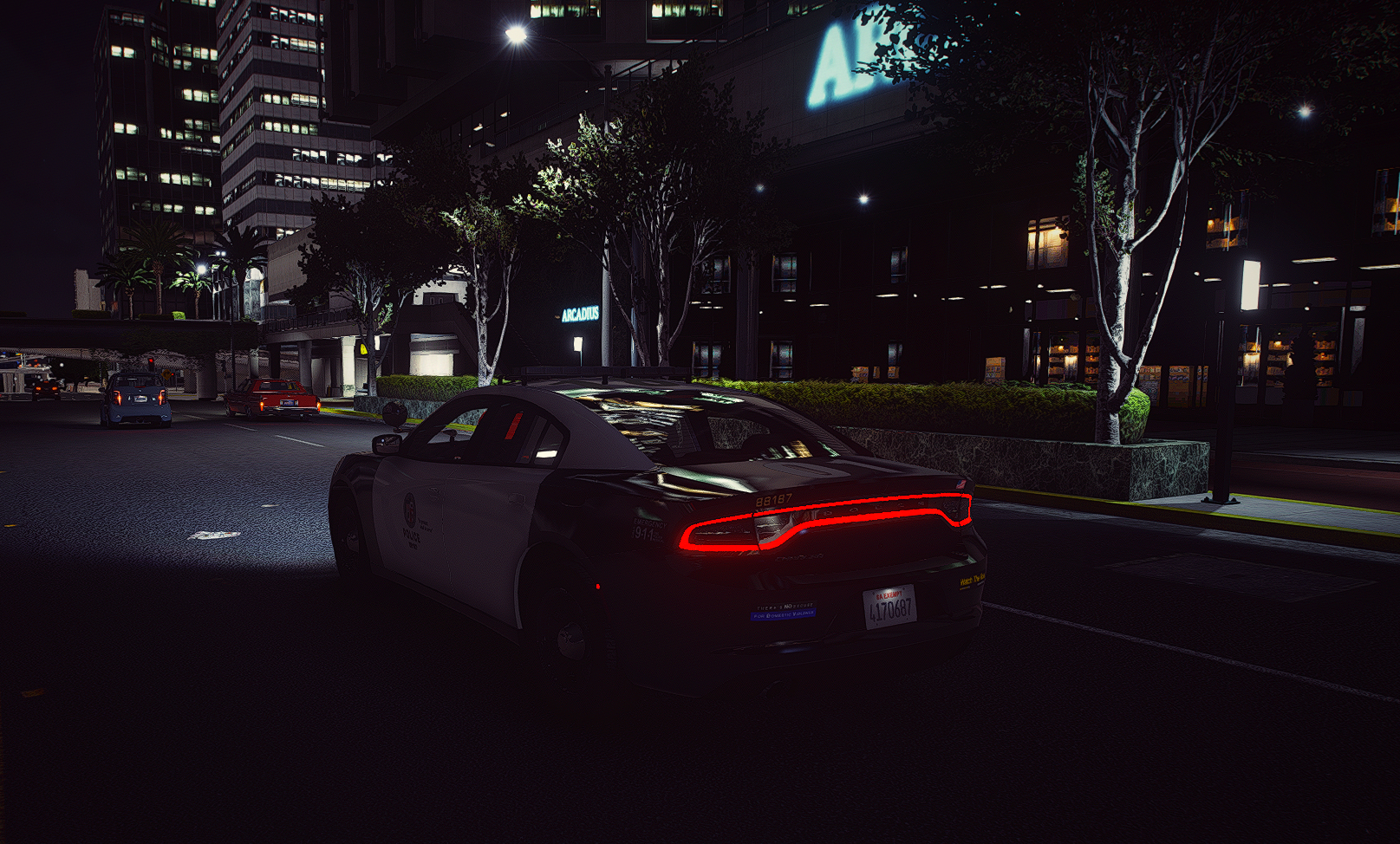
  4. Thanks for using my livery pack for LSPD Mega Pack 
     
     
    Requirements:
     
    • 554 Downloads
    • 2 Comments
    Updated

Account

Navigation

Search

Search

Configure browser push notifications

Chrome (Android)
  1. Tap the lock icon next to the address bar.
  2. Tap Permissions → Notifications.
  3. Adjust your preference.
Chrome (Desktop)
  1. Click the padlock icon in the address bar.
  2. Select Site settings.
  3. Find Notifications and adjust your preference.