
LennyPDFR
Members
-
Joined
-
Last visited
Everything posted by LennyPDFR
-
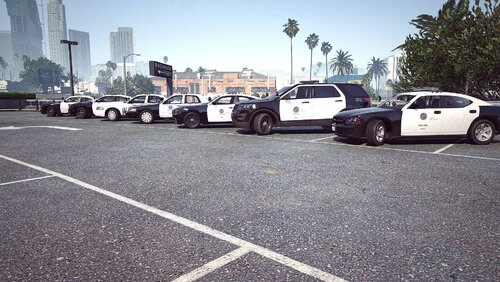 I didnt change the plates. So theyre in SA exempt
 -
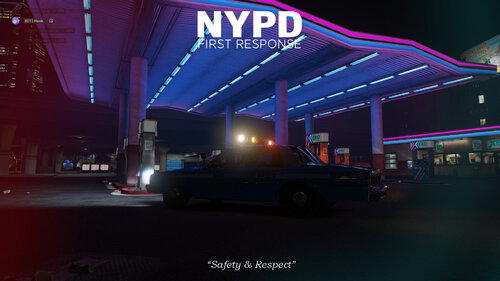 Nice NYPD loading screen🙃
 -
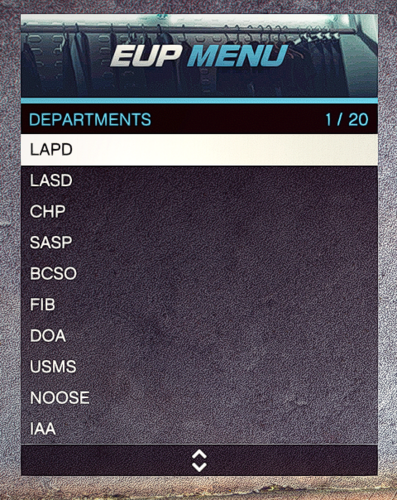 I think it's also working with outdatet versions
 -
It's working on the newest EUP version on lcpdfr.com (not patreon)
-
I create EUP names in Los Angeles style. I hope you find this good IT INCLUDES LAPD - Los Angeles Police Department LASD - Los Angeles Sheriff Department CHP - California Highway Patrol LAFD - Los Angeles Fire Department LAcOFD - Los Angeles County Fire Department BHPD - Beverly Hills Police Department SMPD - Santa Monica Police Department LAIA - Los Angeles International Airport LAPP - Los Angeles Port Police DEA - Drug Enforcement Administration FBI - Federal Bureau of Investigation AMR - American Medical Response California Fire - California Fire Department IM STILL WORKING ON IT ### Update will be soon REQUIREMENTS:
-
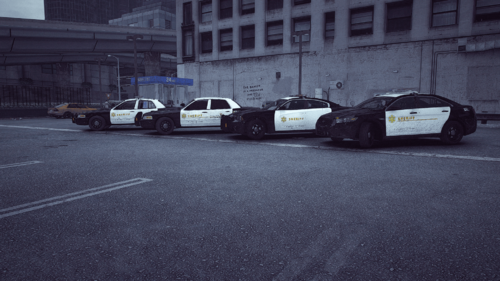 Requirements: https://modification-universe.com/forums/resources/los-santos-sheriff-megapack.604/
 -
Thanks for using my livery pack for LSPD Mega Pack Requirements:
-
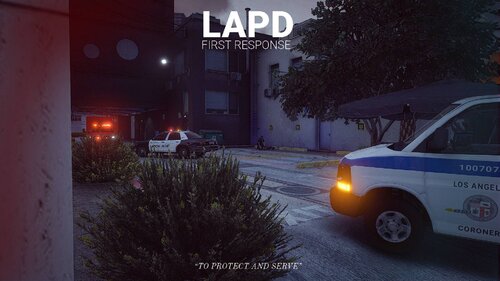 Thanks for downloading my Custom loading screen Requirements: LSPDFR RagePluginHook