


incognitomosquito
Members
-
Joined
-
Last visited
Everything posted by incognitomosquito
-
@IceGuy221 RagePluginHook.log
-
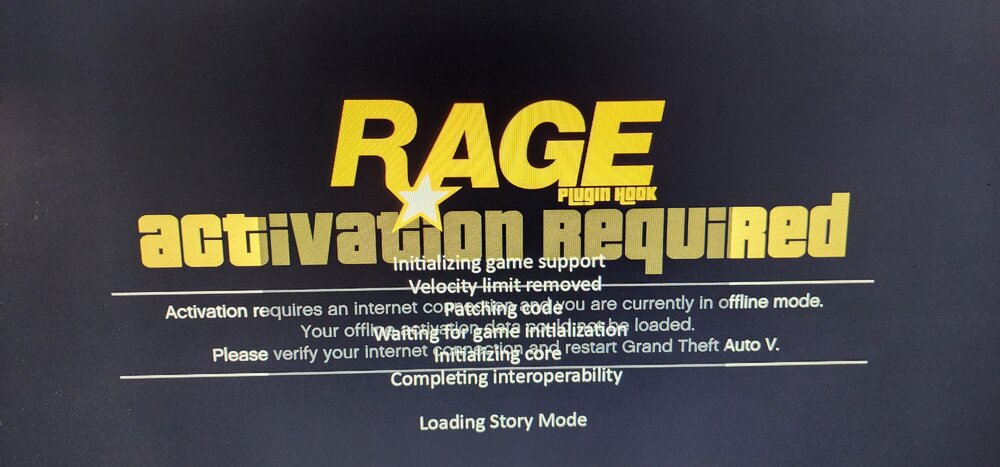
RagePluginHook.logcrashes the lspdfr plugin completely, no recent changes to anything in the game directory. best course of action?I dont see that file in the main directory?@UnknownBastion??? ^Fixed, still having some issues. any ideas on the cause of crash? RagePluginHook.logWill try tomorrow and update. Teach me how to read these things, please!! SOLID work. 10/10Greatly appreciate you looking into this. I've seen some of your work on other troubleshooting threads, and i'm appreciative for the expertise. RagePluginHook.logas soon as LSPDFR plugin loads, it immediately crashes. other plugins seem to work fine, and the game works well until LSPDFR is loaded up. What logs/files should be uploaded to this thread to aid in repair? Thanks in advanceUpon updating GTA V and mods folder, my addon DLC's crash the game. dlclist.xml when left as the factory version works fine, however upon adding my DLC items (copy/pasting) from previous dlclist.xml {worked perfectly up until updating mods folder with new version of update.rpf} what on earth do i do to resolve this? see attached for dlclist.xml (currentdlclist).txtall updates were made this morning after the GTA V update. the game functions perfectly, with the exception of ELS. i have verified ELS is installed correctly, all prerequisites are also installed and functional. is this merely a compatibility issue? what am i missing here???@Cyan Currently on the phone with xfinity tech. He's claiming the webpage acts as if its blocked but seems as if nothing is configured on the ISP end that would block the site. The kicker is that i can access the social club website on ANY other network. Could i have been blacklisted by Rockstar??Someone has to know more about this. The GTA-V launcher is offline on my wifi network completely. All other webpages work, i have good connection....etc. the game tries to launch in "offline mode" but to no avail. I tried to go to to the Social Club webpage to redownload the launcher, and found that socialclub.rockstargames.com will not load. the DEV-C website will also not load. Does anyone have any work arounds for this? Xfinity support claims its a website issue, and has reconfigured my IP and network info. Without this, LSPDFR & GTA V can't be played.
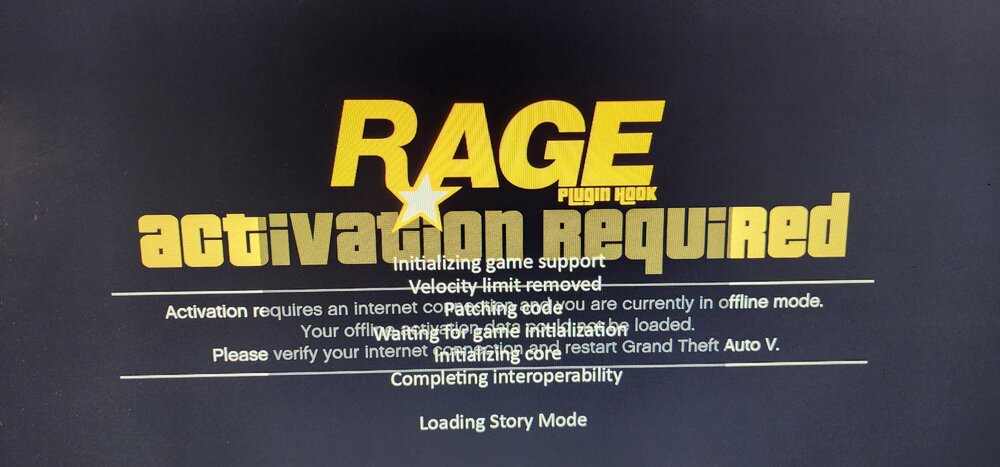 Nothing at all will launch. regardless of connection, the launcher goes to "offline mode" now, also.... i noticed that the social club/launcher website wont load on any of my devices connected to my wifi network. i dont know if this is linked, but....?Howdy. When i launch LSPDFR using RPH, the launcher fails to connect and launches in "offline mode" i have a stable internet connection of around 800mbps. is there a work around for this, or has anyone else had similar?
 Luckily, i backed up the previous version of GTA V using RPH, however after today's update, when i revert the game to 2824(last supported version) The error 7002.1 comes up regarding validity of the game files. I have verified integrity using Steam & RPH, both validations update the game to the latest version. any fixes known or anyone else seeing this also?

