


McAwesome6934
Members
-
Joined
-
Last visited
Everything posted by McAwesome6934
-
ELS? Yes. Pullover vehicles using LCPDFR? No. Working Siren? No. Only police car slots (i.e. Police, Police2, Noose, FBI, etc.) can pull over vehicles and use sirens.
-
 Yum, this looks scrumdidlyumptious!
 -
Yeah I love night as well... mostly because that's when my lights look the prettiest.<3(;
-
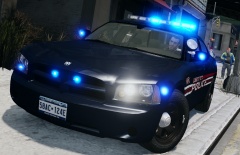 The vertexes give it away!(:
 -
Or bag Ironic for his (; haha JK!
-
Here is a better one. This is the one Ironic and Him1250 has.
-
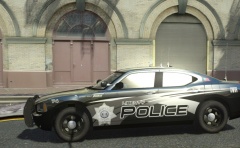 I second this motion!
 -
Uniquely Sexy! I love it (:
-
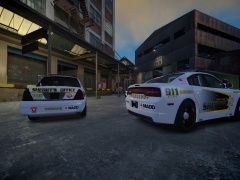 No license plates?
 -
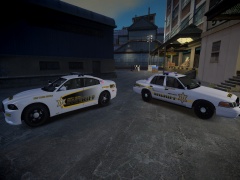 Looks good, I like the black version better however. Also the DUI on the cvpi would look better on the quarter panel like the charger (IMO).
 -
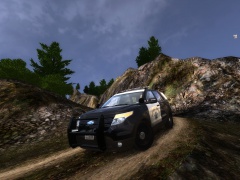 Awesome job man!
 -
Any chance you still have the siren or a link to the siren used in these videos.
-
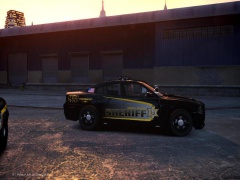 Wow that's perfect!
 -
 -_- Fine Then.
 -
Please do, I will su.... Please do, I would really appreciate it(:
-
OMG. This is gorgeous! Please tell me you are releasing this.. please please PLEASE. (: P.S. - I like this car, and think you did an adequate job!
-
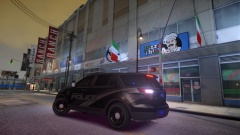
From the album: McAwesome's Awesome Pics :D
Superb Model Is By NickieB, Flawless Skin Was Made Exclusively For RBRP By xxijumpxxx And Edited By StealthyOne6 To Be ' Stealth ' -
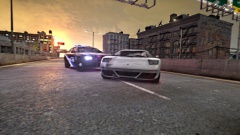
From the album: McAwesome's Awesome Pics :D
Sam 123 Dispatch Sam 123 Go Ahead Sam 123 Permission To Pit This S.o.B. Sam 123 Permission Granted -
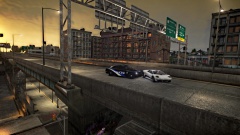
From the album: McAwesome's Awesome Pics :D
Sam 123 Dispatch Sam 123 Go Ahead Sam 123 Permission To Pit This S.o.B. Sam 123 Permission Granted -
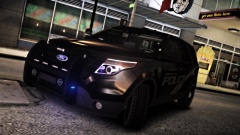
From the album: McAwesome's Awesome Pics :D
Superb Model Is By NickieB, Flawless Skin Was Made Exclusively For RBRP By xxijumpxxx And Edited By StealthyOne6 To Be ' Stealth ' -
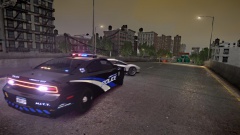
From the album: McAwesome's Awesome Pics :D
Sam 123 Dispatch Sam 123 Go Ahead Sam 123 Permission To Pit This S.o.B. Sam 123 Permission Granted -
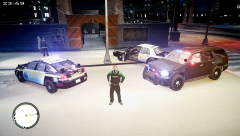 The yellow font on the white doors is very barely legible, also the badge looks big, but that may be caused by the angle of the picture.
 -
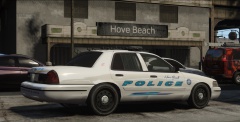 He does, but the skins are all so different and unique, not to mention downright sexy(:
 -
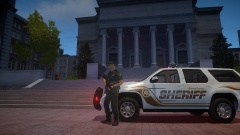
From the album: McAwesome Pics!
Jump's astonishing Tahoe, accompanied by EVI's perfect GTA V ped. Couldn't decide which one to upload so I put them both up. -
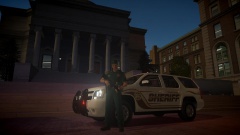
From the album: McAwesome Pics!
Jump's astonishing Tahoe, accompanied by EVI's perfect GTA V ped. Couldn't decide which one to upload so I put them both up.


