


McAwesome6934
Members
-
Joined
-
Last visited
Everything posted by McAwesome6934
-
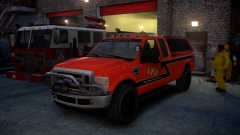 Such dank many meme.
 -
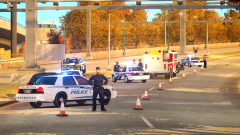 Love the story! Pic looks great, looks staged though. Like the placement of the two vics to the facing the left. IDK how to explain, just my opinion, still looks nice though(:
 -
-
I think this happens from moving the dummy... as far as fixing it, idk... lol I am not much help.
-
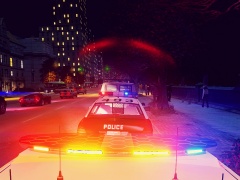 Why's there no like button... *LIKE*
 -
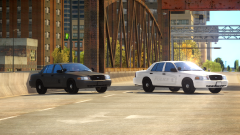 Gotcha, neat.
 -
Doesn't that kinda defeat the purpose.. ya know showing what the unmarked squads look like.
-
-
Random...
-
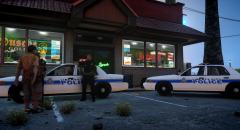 Simple, clean, sexxy.
 -
Well if we are going for realism the Officer/Deputy/Trooper usually doesn't determine the price of the citation. At least not in my state.
-
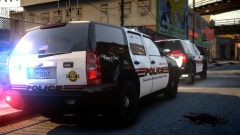 You make that Tahoe? It's fucking sexxy.
 -
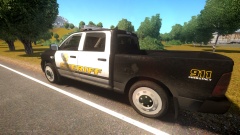 Everything looks great... then I saw the rims :/ Use anything but those! lol
 -
-
10/10 I sexxed.
-
I like Orange Juice. Simply is my fav brand... I like it with heavy pulp.
-
Well the way you said it OfficerCon has possession of welcome. Compared to mine, where you said you are welcome.
-
*You're
-
-
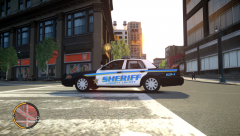 Both look nice. They are definitely different though. I don't see the reason that it got removed. jk it's back up (:
 -
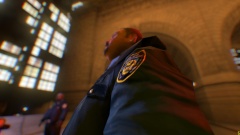 A few too many donut breaks :P
 -
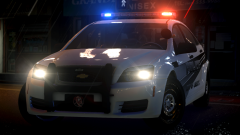 Feature?
 -
I beg to differ.
-
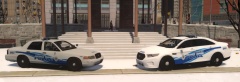 Me like.
 -
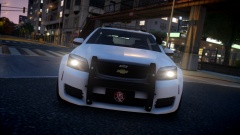 Wow that skin looks amazing!(: I really like those rims too!


