





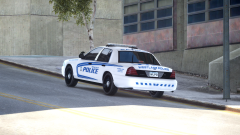
Westlake Slicktop/Unmarked Cruisers

By DukSezQuak
- 1,228 views
- View DukSezQuak's images
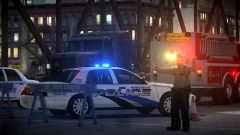
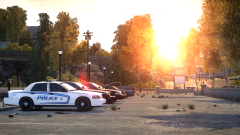
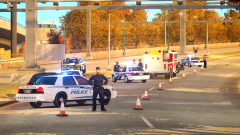
As part of the Public Education program launched in partnership between Silverlake Police and Westlake Police, Westlake Police have posed all four of their unmarked/slicktop vehicles and provided the photos to Silverlake Police.
With the program, it hopes to prevent confusion between the two agencies as Silverlake Police can be called to operate in Westlake, and Westlake Police can be called to assist in Silverlake.
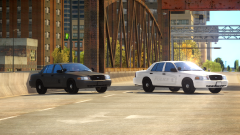
Pictured here, are two of the four police cruisers that are utilized most when operating in Silverlake. On the far left is a traffic unit, painted grey, with "stealth" stripes. They are hardly visible unless illuminated by a light source.
On the right of the other vehicle is an Investigations Unit, painted white with stealth stripes.
Each vehicle is clearly marked with Westlake Police logos and their respective unit (Supervisor, Investigations or Traffic).
Recommended Comments
Join the conversation
You can post now and register later. If you have an account, sign in now to post with your account.