
hamada123
Members
-
Joined
-
Last visited
Everything posted by hamada123
-
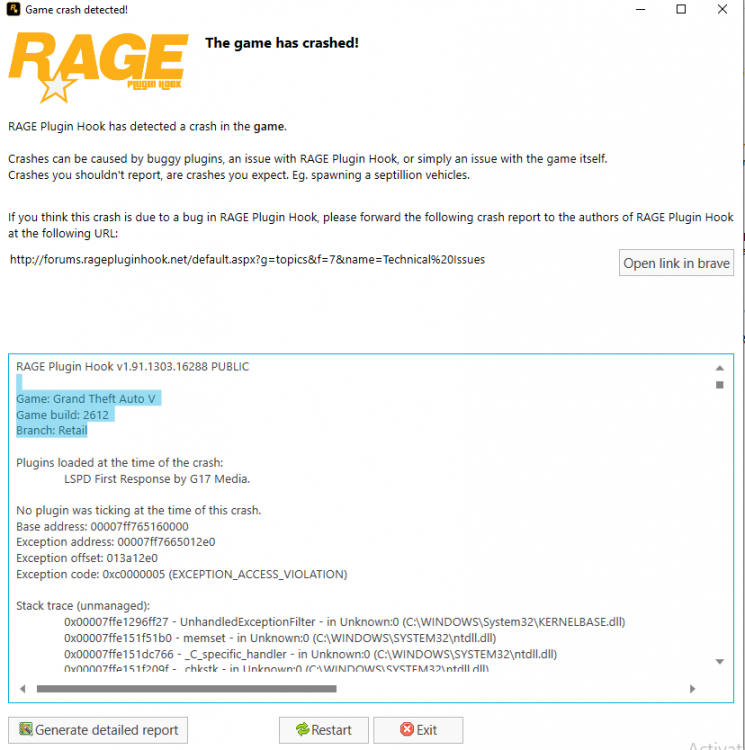
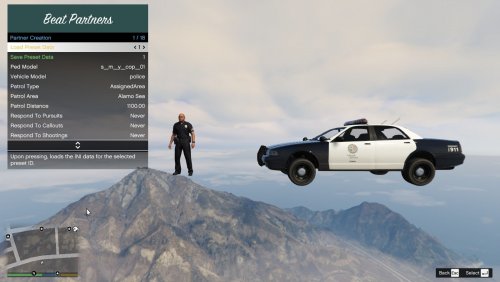 When I sit on the menu for a long time to choose the car or choose the characters, he says to make a game crash RagePluginHook_27122022_040602.log
 -
 When the car showroom reports the theft to me and I accept the report and go to it, the game stops working Well I have free time how to try all the things in the mod but I don't know how to contact you
- 635 comments
- 53 reviews
-
I tried an old version of the police mod and it worked for me without any problems, the problem, , is in the RAGEPluginHook program After I tried the police mod on an old version of GTA 5V version 1.2545 I changed clothes on the old version without any problem, but the problem was discovered in the RAGEPluginHook program After the last update of the program, there were many problems and many crashes
-
In order to run the add-ons in the police mode, you must download a very small file. Add to the game file the main folder of Grand Theft Auto V which is called Albo1125.Common.dll 6.6.4.0 This file will solve the problem for you, download it Next to the file called RAGENativeUI The firewall must not prevent the game from connecting to the Internet during the start of the police mode or when you go to work. You must make sure that the firewall does not prevent the game from connecting from the Internet If the firewall prevents the game from connecting to the Internet, you will have a crash in the BejoIjo mode
-
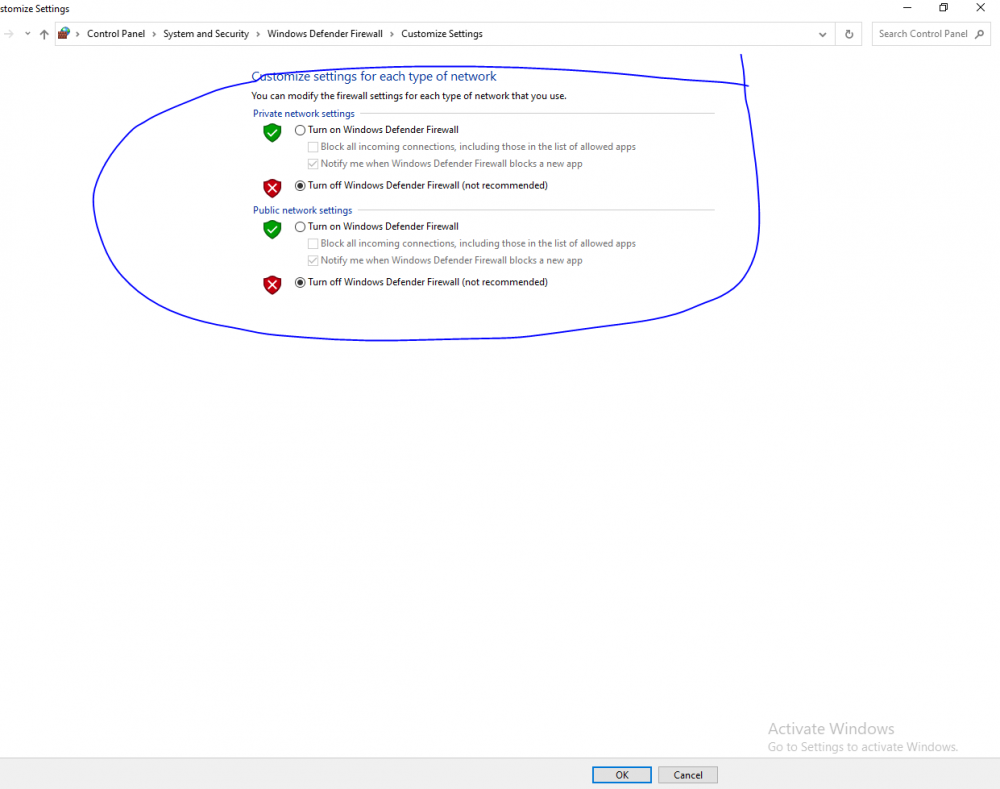
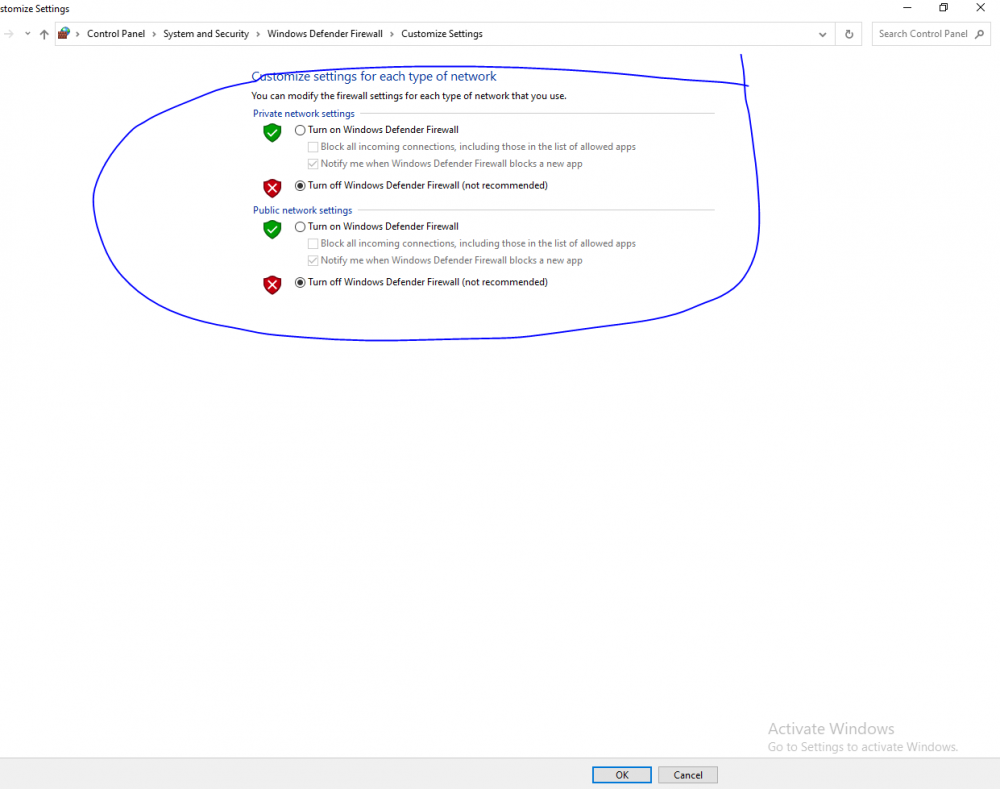
Well, the solution to this problem is very simple. The firewall program made a ban on the game from the Internet. You must make sure that your game is connected to the Internet, and the Firewall program does not block it. If you do not know where the problem is, disable Firewall Windows Bitdefender Fire Windows, fear the Control Panel, and from there to Security and Firefall Windows
-
In order to run the add-ons in the police mode, you must download a very small file. Add to the game file the main folder of Grand Theft Auto V which is called Albo1125.Common.dll 6.6.4.0 This file will solve the problem for you, download it Next to the file called RAGENativeUI The firewall must not prevent the game from connecting to the Internet during the start of the police mode or when you go to work. You must make sure that the firewall does not prevent the game from connecting from the Internet If the firewall prevents the game from connecting to the Internet, you will have a crash in the BejoIjo mode
-
When I enter to change the clothes of the character I chose from the police mode, and when I go home and change clothes after a long time, I change clothes, it shows me a message that stops working and the game ends permanently and nothing appears after that When I change my personal clothes that I chose at home and take time to choose clothes, the game automatically exits and shows me a message that stopped working I do not install any additional mods, I only use the police mod This is the wrong picture that appears to me Please download an update to solve this problem as soon as possible. Thank you very much,