




SmithNcc1987
Members
-
Joined
-
Last visited
Everything posted by SmithNcc1987
-
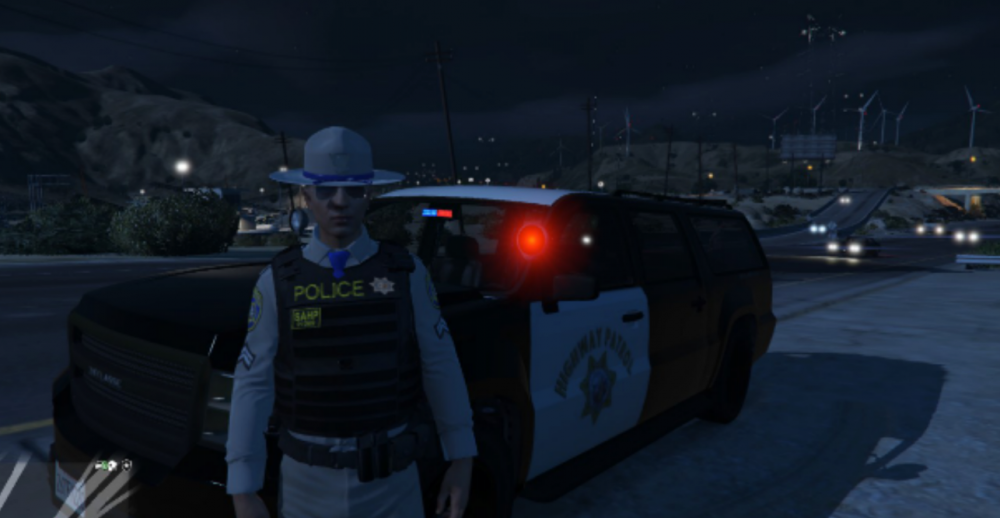
Sorry it took so long to reply. I have no idea what happened...but I eventually got it running correctly with RDE, RDE addons EUP & most of all the essential mods in the lspdfr downloads folder. I appreciate you reaching out to help!! My settings are way down, but I approve
-
**Update** I kept messing around with it. I've installed some cars and else. Along with lspdfr. Rage continued to crash while loading. I turned on/off plugins. Still crashed. I launched the game normally. The car mods AND els worked fine after stealing a car 😑 I then read about removing dinput8.dll. Launched the game fine with lspdfr running. BUT the mods were gone AND els...I'm stumped
-
I just got back into LSPDFR. I do not have any mods besides LSPDFR installed. I've tried everything. Permissions, updating, "_mods", reinstalling. They all have the same issue. The game goes through its loading process for about a minute and then crashes. I've attached the detailed crash report if anyone could please help. CrashReport_smith_637801153762636299.zip
