Gr0We
Members
-
Joined
-
Last visited
Everything posted by Gr0We
-
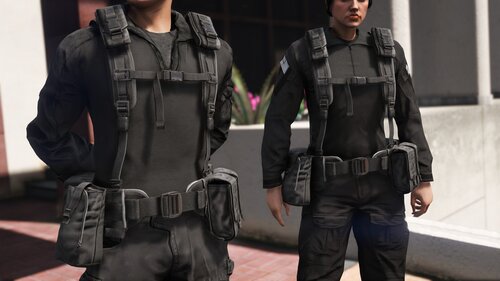 Very nice, do you plan on making an actual carrier/belt/other stuff for the uniforms, Ops-Core, etc?
 -
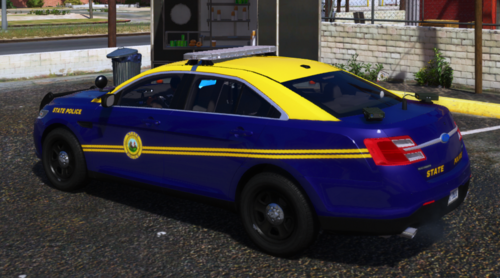 Looks pretty good, nice work!
 -
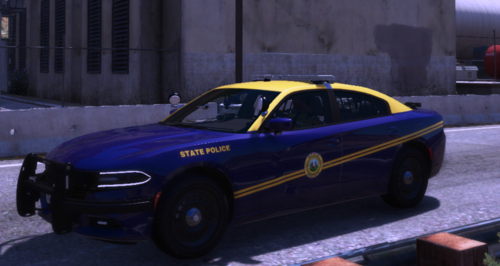 As one of the very few West Virginians on this site, or GTA modding in general, I give the WV seal of approval All jokes aside they are very sexy, keep it up with the WVSP, maybe a Sprinter van in the future?!?
 -
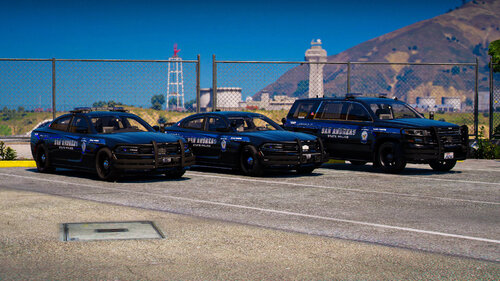 Thank you man, it looks amazing. pretty awesome of you to listen to your community and hear their suggestions out
 -
Would be nice if there was an explorer livery, and maybe in the future a transport/motorcycle unit. Other than that, really nice work, love the color scheme.
-
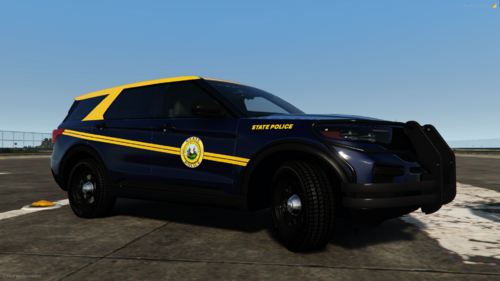 I see this going to school every morning at the WVSP state where I am, would be amazing if you made this. Also a 2021 Tahoe would be nice.
 -
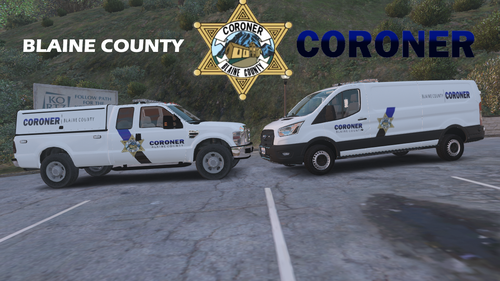 Thanks!
 -
Wayne County, West Virginia is where I'm from, would be amazing if you could make this and possibly other vehicles. Maybe even WVSP, anyway thanks for replying.
-
Amazing, Police Pack for Wayne County Ohio or West Virginia next????
-
Yeah, I think it's because they both edit light settings so I'm guessing the siren setting just conflicts with ELS, and ELS takes primary so the siren settings doesn't know what to do so it crashes. I just avoid it overall if I use the game config on 5 mods.
-
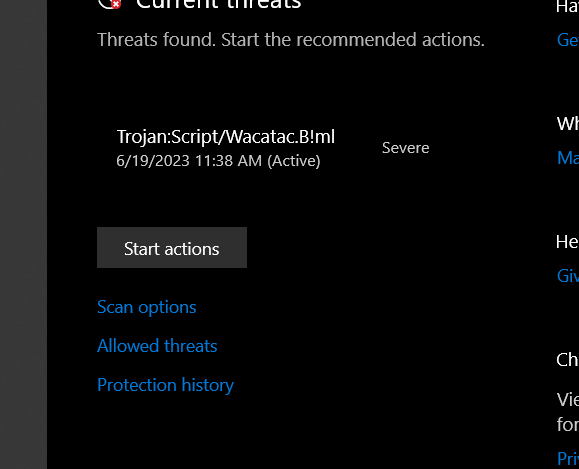
Hi. This started happening recently, so whenever I launch RPH for LSPDFR, It says there's a potental virus active. Any fixes?
-
I don't really know what to tell you, I posted this because I needed help and it clicked in my head that those 2 mods don't work together and it worked for me.
-
Have you made sure the vehicle is ELS compatible? and that you have installed everything in the right place?
-
By the way, I have fixed it. What I mean is make sure you have the latest version of ELS, and delete all files associated with SirenSettingLimitAdjuster.
-
So I may or may not be a bit dumb. Tip for people, ELS and SirenSetting DON'T work together 🙂
-
Hi. So this just happened out of the blue and I've looked and have not found a fix. I have reinstalled ELS and looked at lighting config files and everything seems in order, any suggestions?
-
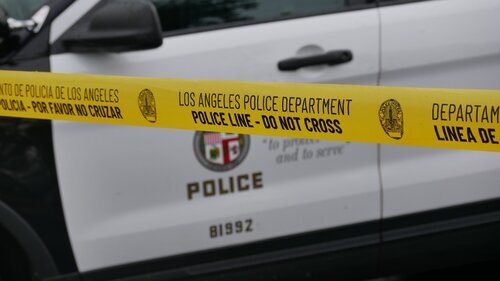 Yep. This is essentially a reskin for the Police Tape mod provided in the mod's description, check it out!
- 3 comments
- 1 review
-
 Holy Hell Nipples. 2.1 (Real radiance) for some reason so frickin' bright and effects every light aspect in the game. I think it's supposed to do that but it's so bright, like for me fr, feels like I am about to have a seizure, anybody got any fixes, plus I tried uninstalling it using the OIV and once I did, it kept the brightness.
- 337 comments
- 74 reviews
-
No, but I installed the PLD (Player location display). But I don't think that caused it.
-
Okay so about yesterday, I was downloading some stuff to help me with realism like (RCA, Real California Arc.) And I loaded my game up to find all text is missing from the game, my menu, and all the above. I cannot like show a picture for the screenshot but I really need help. Please don't reply if you are going to ask, "Did you uninstall RCA?" I have done it 5 times now. Please reply if you have a suggestion.
-
Well, according to some fixes on JorM's same issue, I cannot seem to find a fix to it. I have a huge idea it is with my plugins because I deleted like 8 plugins and it looked like it was going to crash yet it didn't.