Skip to content
View in the app

A better way to browse. Learn more.

LCPDFR.com

A full-screen app on your home screen with push notifications, badges and more.

To install this app on iOS and iPadOS
  1. Tap the Share icon in Safari
  2. Scroll the menu and tap Add to Home Screen.
  3. Tap Add in the top-right corner.
To install this app on Android
  1. Tap the 3-dot menu (⋮) in the top-right corner of the browser.
  2. Tap Add to Home screen or Install app.
  3. Confirm by tapping Install.

Exotic Dark

Members
  • Joined

  • Last visited

  1.    Kane L reacted to a comment on a file: FDNY Ladder 343
  2. What up lane. You can get the station from a patron i think its like Panos or something. Another FDNY Station i recommend is from Prophets he has a really nice 2 bay along with Philly map dev has some really nice station i can send you the discord to Phillys and Prophets but i can panos to you
  3. Im sorry for your life
  4.    Amerteck Solutions reacted to a file: FDNY Ladder 343
    • 113 downloads
    • Version 1.0.0
    This skin to to commend those who sacrificed there life to save others If you are interested in FDNY considering joining my discord i am making almost every FDNY apparatus Discord is in the credits
  5.    Kane L reacted to a comment on a file: FDNY Mega Pack 2
  6. Hey do you think you could help me get the ladder working? it wont spawn in for me
  7.    Kane L reacted to a comment on a file: FDNY Fire Siren Pack (Version 2)
  8. maybe you can help i wanted to combine this with my rumbler siren for fivem however when i drgged all the siren into the Veichle.oac the siren didnt work in fivem after making it compadible any help Edit: i didnt reduce the files im going to try again Edit: Works great now just dumb
  9. Thanks this is my first skin currently doing a ladder the text on this is off so there will be a new one in a pack soon
    • 135 downloads
    • Version 1.0.0
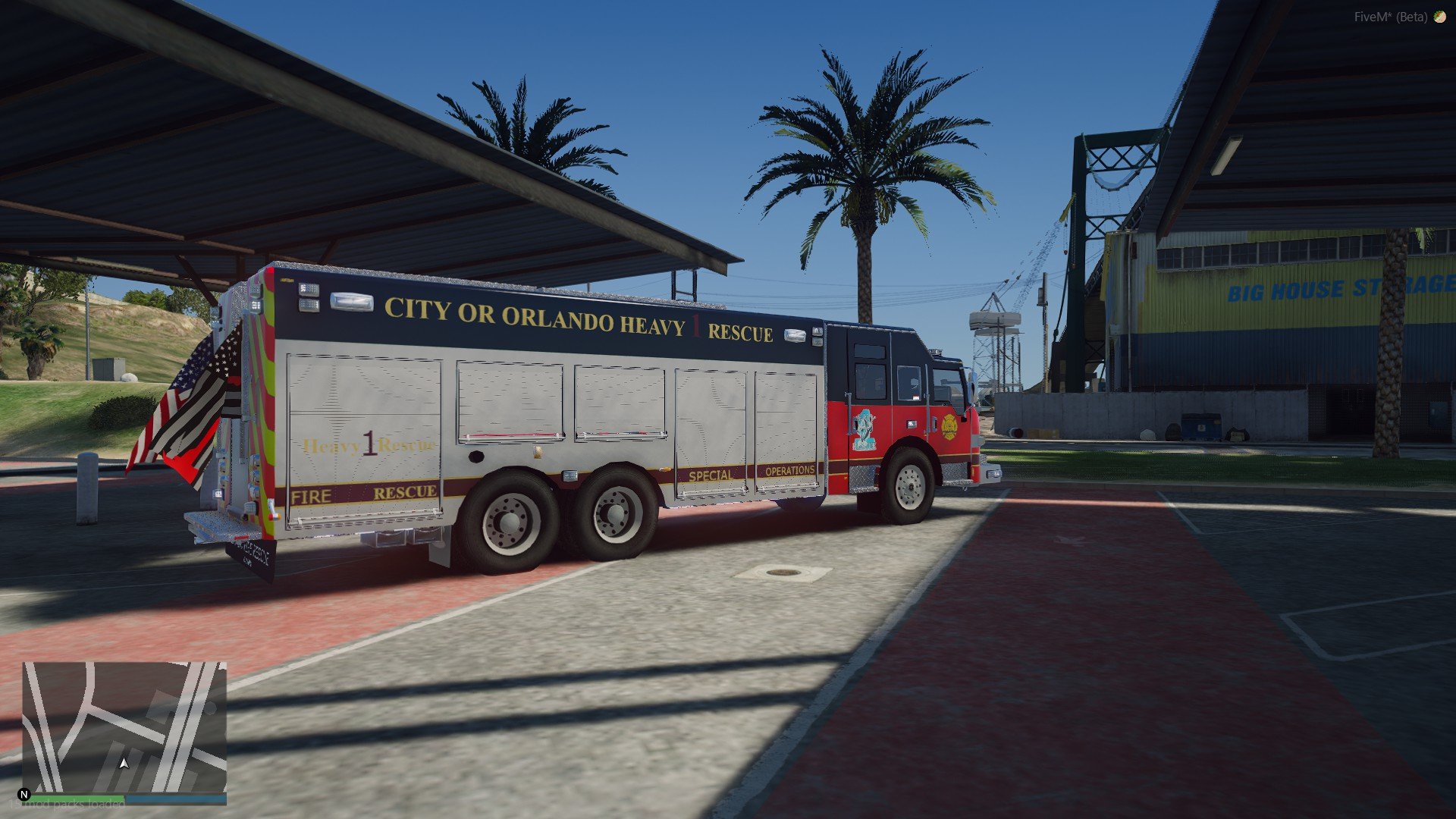
    This is for Trooper Mikey's Rescue The link will be under this

Account

Navigation

Search

Search

Configure browser push notifications

Chrome (Android)
  1. Tap the lock icon next to the address bar.
  2. Tap Permissions → Notifications.
  3. Adjust your preference.
Chrome (Desktop)
  1. Click the padlock icon in the address bar.
  2. Select Site settings.
  3. Find Notifications and adjust your preference.