


kyronp36
Members
-
Joined
-
Last visited
Everything posted by kyronp36
-
When I goto load 'Play Story Mode w/ RPH' the screen will begin loading then just automatically shutdown RagePluginHook.log
-
Included RPH Crash File RagePluginHook_03072024_191445.log
-
The game loaded perfectly changing the mods folder!
-
When I load regular GTA5 after a few seconds it shuts down. When I try to load it with RPH it says the game has crashed. What do I need to do or what do I need to upload and provide to help fix some troubleshooting
-
I attached the latest log I have. I can't get my UB or STP to work when it shows the unhandled exception line when I force duty. Does anyone provide insight on a remedy or remedies for this? RagePluginHook_13032024_235624.log
-
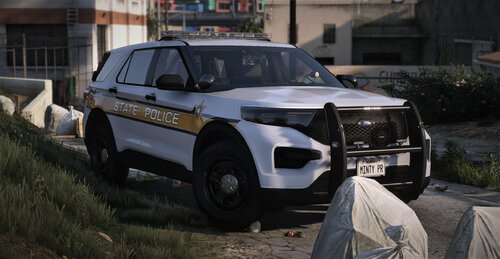 What cars or pack are using?
