


Potrais
Members
-
Joined
-
Last visited
Everything posted by Potrais
-
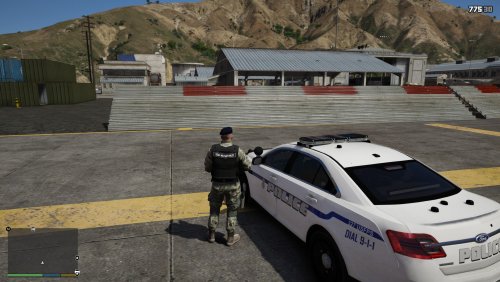 I served twenty years in the Air Force as a Security Forces NCO. Before security forces they were broken into two different careers Security Specialist and Security Police. Security Specialist were the light infantry and provided security for flight lines, buildings and other things as well as protected the airfields in time of war both state site and overseas. Security police acted like civilian police with there own academy as mention earlier they follow different laws as it pertains to military members but hey also have to know regular laws as well for the civilians. they work very closely with civilian, state and federal law enforcement agencies.
 -
Greetings, I must admit i am new to this site and to the Police mods, with that said, as being new i have notice that there are several different type of mods and that they do not all work well together. i also watch a lot of YouTube videos trying to figure out how to down load different mods. that when I discovered that there are a lot of different mods with different things. if would be helpful if you created an area on your site to assist with new people to figure out which mods go with each other and with your product and develop some how too videos that actuall show how to down load the different type of files and which products works best. It would also be helpful to discuss the different type of mods, i.e PEDs versus EUP Versus FiveEM. i would appreciate any help to be able to download the correct files to enjoy an indepth game play.

