
Blitz Modifications
Members
-
Joined
-
Last visited
Everything posted by Blitz Modifications
-
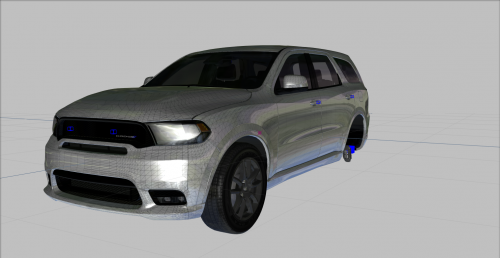 Importing the YFT and hi.YFT get rid of textures like the windows, specmap, burnt_out, plates, plate normals, and plate fonts. Are these textures available or do we need to create these ourselves?
 -
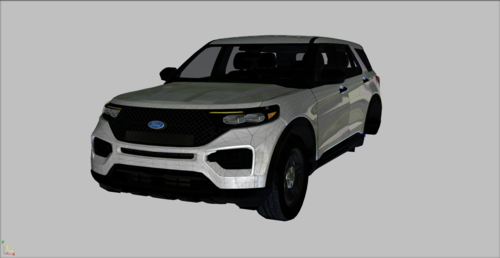 You can't have your YTD size higher than 16mb, it won't work if it is 16 or higher.