
STAR0BEX
Members
-
Joined
-
Last visited
Everything posted by STAR0BEX
-
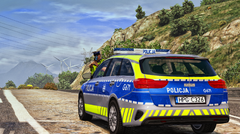 could you upload the vehicle skins??
 -
-
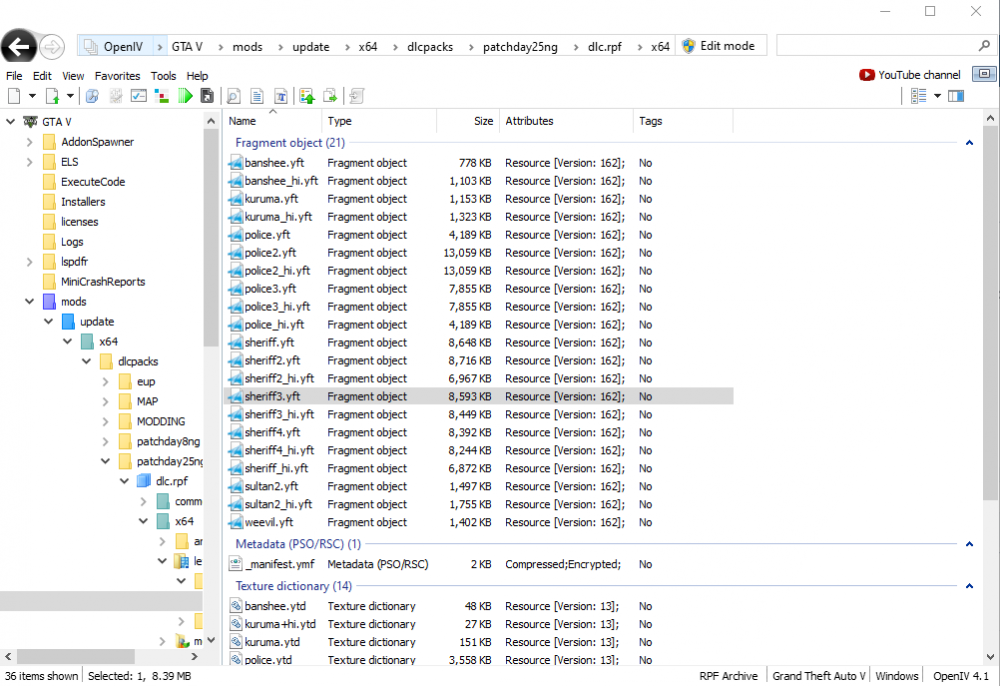
ive been trying to spawn my sheriff3 and sheriff4 vehicles but i cannot find a way to do it, ive got ragepluginhook but i cant spawn it with the f4 command. ive also tried downloading a trainer and spawning it with that, but that doesnt work either. theyre both in my vehicles.rpf so i dont know what the problem could be. can anyone help??
-
thanks! everythings totally fine now 🙂
-
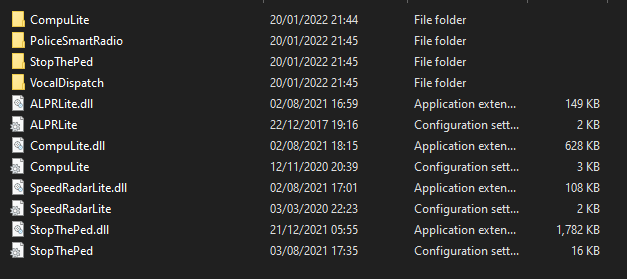
hey im fairly new to this mod and ive been trying to install some plugins, i tried ALPR and speed radar separately and those had no problem starting. however when i got stop the ped and compu lite my game has crashed as soon as i go on duty. i have RAGENativeUI.dll and scripthook v on my main directory so i dont seem to find the problem can someone help? (ive attached my rage plugin hook and my plugins folder) RagePluginHook.log