


blacjacks
Members
-
Joined
-
Last visited
Everything posted by blacjacks
-
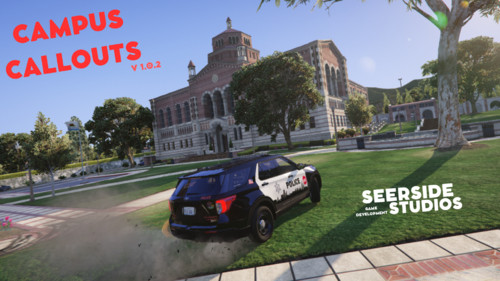 @SeerFC I used to use University Callouts, so this is a welcome upgrade. Your new Killer Clown callout is next-level, really surprised me lol. Terrific job all around.
 -
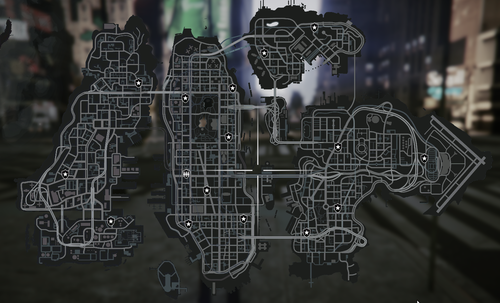 Does anyone know the answer to this question? It would be much appreciated. Did anybody else make the dropoff hotspots work?
 -
I assume dropoffs in "lcpd stations/dropoffs and garages" means the prisoner dropoff points that usually have the yellow spots. But the dropoff points aren't working for me (the station and garage entrances do). I don't even see the yellow spots. Is there a separate mod I need in order for the dropoffs to work in LC? I see script names being referenced in stations.xml but I don't know where those scripts are.

