The Gaming Nut
Members
-
Joined
-
Last visited
Everything posted by The Gaming Nut
-
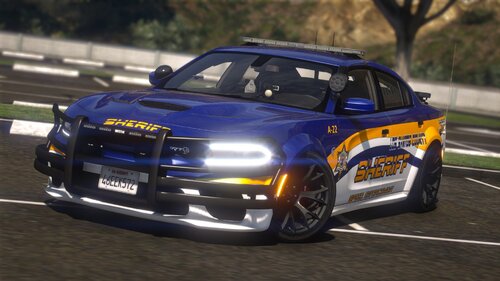 It could be something I might have done by accident, but I haven't touched anything in the dlc files until I went to use it.
- 76 comments
- 6 reviews
-
I've been using this pack for a little while now, and it seems that the 16fpiu doesn't work for pulling over vehicles and its ignored by the AI when on code 3, i've checked the vehicle. meta to make sure it is flagged as emergency and that the sirens is set to 1 and they are. I feel as if i'm missing something here.
- 76 comments
- 6 reviews