


Aining
Members
-
Joined
-
Last visited
Everything posted by Aining
-
Update: My game fixed it self no clue how i just waited and it fixed
-
Yes and I disabled Norton but game still freezing/crash when i trying to use rph
-
I was having 2 files before 1 GTA - MP for multiplayer and secound LSPDFR but when the problem started to apear i delated LSPDFR and dowloaded lspdfr to the main GTAV so right now im having only one
-
Okey I disable all Overlays and still game isnt working and I updated the rage plugin hook If this can help you im sending the crash code (or i belive it is it)
-
Here you go sorry Its in polish language ( Its northon 360 my main antivirus)
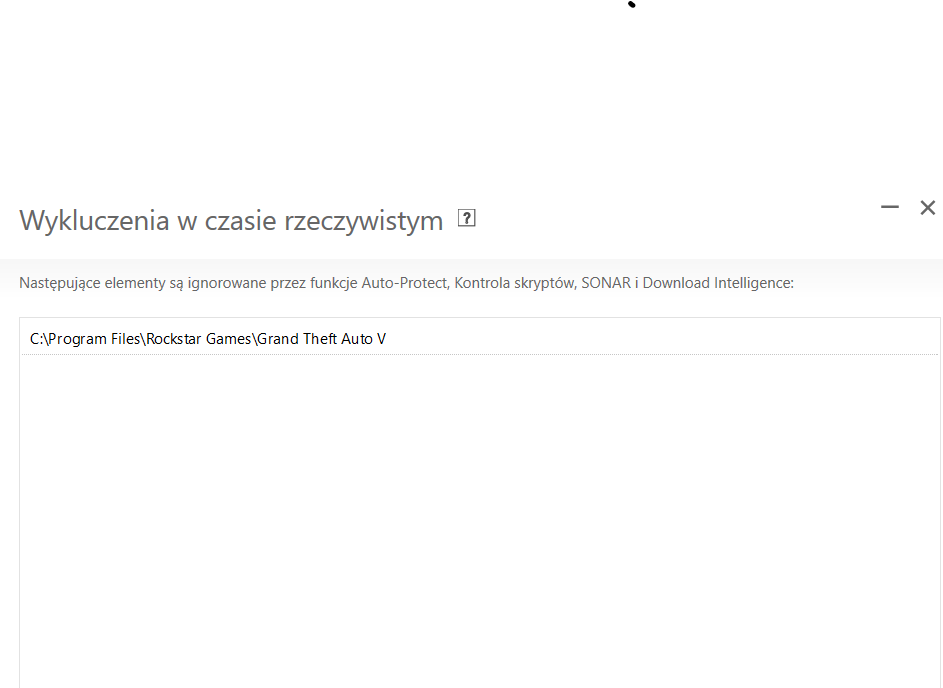
-
sadly still game isnt working
-
So my game was working normaly yesterday but when I trying to use rage plugin hook now game is loading normaly for first 10s and after that im having messange: "insufficient permissions or bad antivirus" and my game is freezing Any Idea how to fix it? (Im using build 8021 and sorry for grammar mistakes)
