wolf1925
Members
-
Joined
-
Last visited
Everything posted by wolf1925
-
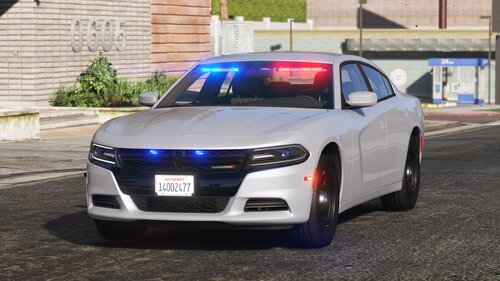 Im having problems adding it to lspdfr garage, i installed it with lml, i can spawn it with the rage console but after editing duty_selection it still doesnt show in the garage, thats the line i added in the file: "<Description name="Police Unmarked" fullName="Vapid Unmarked Cruiser" agencyRef="lspd">police4</Description>" I changed full name to see if it would work that way, it was "Dodge Charger" before
- 16 comments
- 1 review
-
 Can i put the speed limit sign on the right of the minimap? so it doesnt overlap?
- 556 comments
- 28 reviews