


quietdomiii
Members
-
Joined
-
Last visited
Everything posted by quietdomiii
-
OMG GUYS THANK YOU SO MUCH IT FINALLY WORKS. The Geforce thing really did it im soooo glad 😄 Thank you thank you thank you ^^
-
Thats actually a good call. How can i disable the GeForce Experience DirecX overlay? Havent tried that yet
-
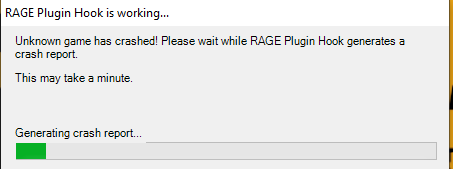
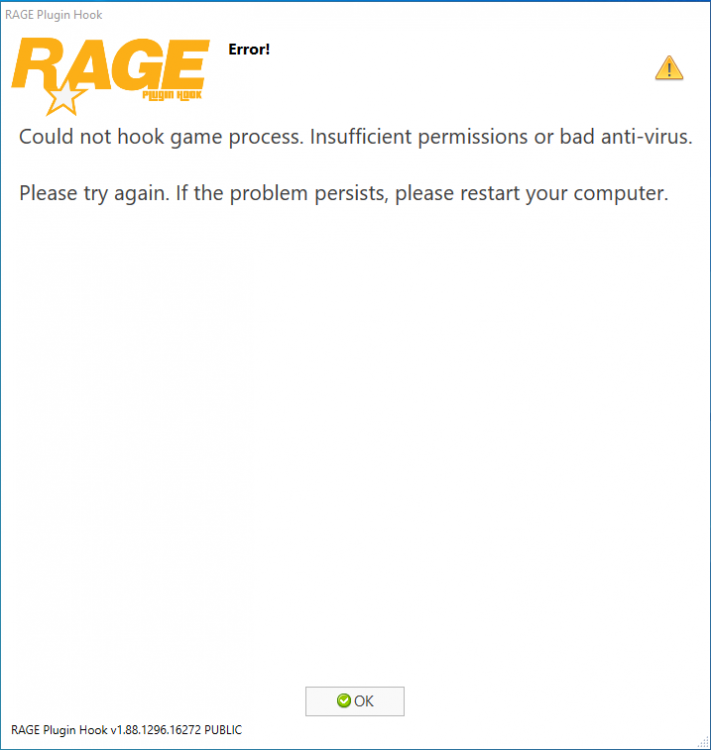
I did. It Crashes as soon as it tries to hook into the game. But i can go into the story mode without Rage Plugin Hook like normal These are the two error messages i get
-
I dont even have an Mods folder? How i said its a complete clean installation with just lspdfr
-
But why should it be Scripthhook V? I mean its not necessary to start the raw lspdfr game right? And i see enough people play it right now 😕
-
Yes. Still same issue sadly ;/
-
So can anyone help me with this? As soon as I start GTA LSPDFR WITH Rage Plugin Hook it crashes as soon as the sirens loadingscreens appears. If I start GTA first and then start Rage Plugin Hook it crashes in an instant. I have reinstalled GTA 5 times and had an fresh folder everytime. I just installed lspdfr nothing more nothing less. I only have one GTA 5 folder, added it to the exceptions on my anti virus software. I really dont know what do do anymore. Rage Plugin Hook didnt event come to the point where it makes a log for the Crash.
