


USMC_POLICE
Members
-
Joined
-
Last visited
Everything posted by USMC_POLICE
-
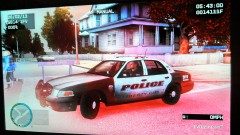 Because I don't know how else to take them besides off my phone. I'm not a computer nerd. All I know is I can look stuff up play a game, write reports and tickets, look up a subjects info. Anything else I have no idea how to do
 -
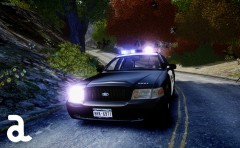 Loved this car just hated the caution painting on the rear.
 -
New York! They also look great at night
-
From the album: The cars I have been using as of 2013
City pic 2 -
-
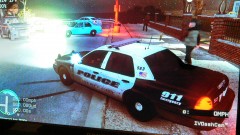
From the album: The cars I have been using as of 2013
city police enb and red lights -
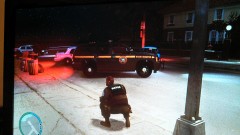
From the album: The cars I have been using as of 2013
trooper with enb/ red lights -
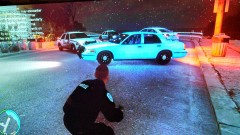
From the album: The cars I have been using as of 2013
Undercover with enb/ red lights -
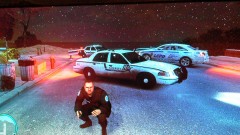
From the album: The cars I have been using as of 2013
sheriff with enb/red lights -
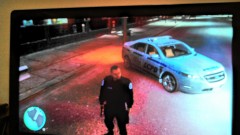
From the album: The cars I have been using as of 2013
nice new taurus with enb -
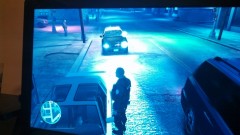
From the album: The cars I have been using as of 2013
Dwi stop with spotlight mod pre enb -
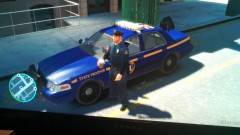
From the album: The cars I have been using as of 2013
loved the car hated that tail & headlights didn't flash pre enb mod -
-
