


steevo124
Members
-
Joined
-
Last visited
Everything posted by steevo124
-
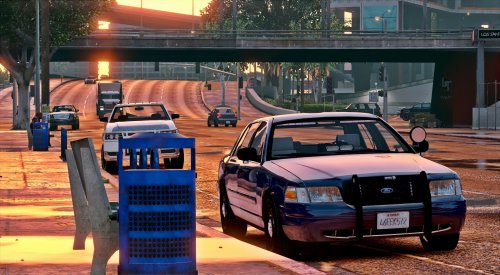 This is my favorite unmarked vehicle. However, recently the vehicle will only spawn in white. I tried to edit the carvariations.meta file for the Police4 vehicle and change the color code, and even that didn't work. Any idea what's going on? I reinstalled the vehicle multiple times.
- 71 comments
- 24 reviews
-
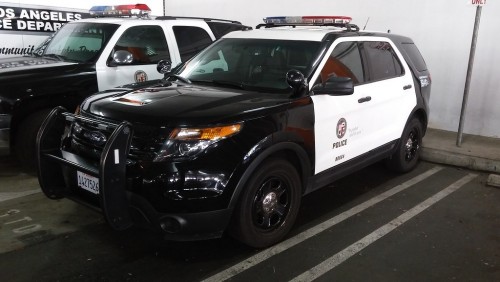 This makes my ambulance sirens sound like a straight constant horn. Even on my add-on ambulance. Tried changing the siren setting in the carvariations.meta file but nothing works. How do I get my ambulance sirens to work again while using these sirens?
- 14 comments
- 2 reviews
-
 This is one of my favorite packs! I use it almost exclusively. Great Job! My only comment/critique would be the following: 1) The dirt pattern on the chargers are off. They get dirty on the drivers side doors and not the passengers. Also the roof and trunk get dirty on only half the car (passenger side) and the driver side roof and trunk stay clean. Makes driving in third person a bit distracting. 2) The taillights/brake lights on the K9 Tahoe don't work unless you break them by backing into something. 3) Most of the gauges don't fully illuminate at night and are missing needles. 4) The tach and speedometer on the Ford Taurus are reversed and the needles are out of whack. This makes driving in first person a bit distracting. If you could fix these issues, this would be the best pack yet! Also if you could make the meta with a POV Camera Offset of 0.60 this makes the seat height a lot more realistic. P.S. I have your custom DLC installed and have the vehicle models placed in the pathway given.
- 159 comments
- 10 reviews
