


SamuraiBuns
Members
-
Joined
-
Last visited
Everything posted by SamuraiBuns
-
-
Here's another crash report, I was making a character in the police station. RagePluginHook.log
-
Oh just the usual crashing when I hit F11 lol. I have updated RageNativeUI, and RAGEPliginHook and that doesn't make a difference. Maybe I'm just too noobie to figure this out, I have included the log. Thank you in advanced 🙂 RagePluginHook.log
-
Thank you so much
-
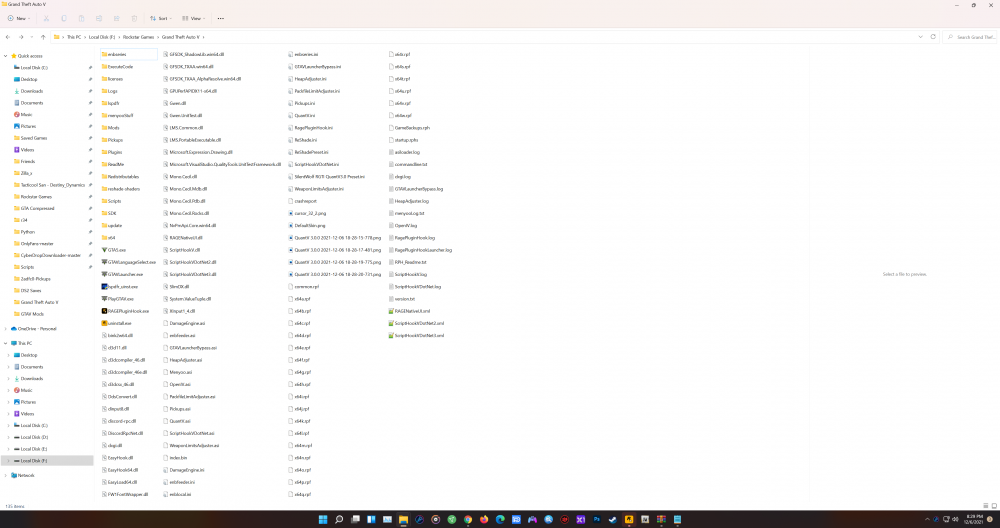
Here also is a screenshot of the directory., I am using windows 11 if that matters.
-
I wanted to play the LSPDFR mod, and EUP, but my RAGEHook crashes as soon as I start it. I have a fresh install of GTA, and it boots fine without using RAGEHook. I only have QuantV and Menyoo in my mods. And here is my log. Am I missing files or something? Maybe something is being overwrittten wrong? RagePluginHook.log
