Skip to content
View in the app

A better way to browse. Learn more.

LCPDFR.com

A full-screen app on your home screen with push notifications, badges and more.

To install this app on iOS and iPadOS
  1. Tap the Share icon in Safari
  2. Scroll the menu and tap Add to Home Screen.
  3. Tap Add in the top-right corner.
To install this app on Android
  1. Tap the 3-dot menu (⋮) in the top-right corner of the browser.
  2. Tap Add to Home screen or Install app.
  3. Confirm by tapping Install.

RaulM

Members
  • Joined

  • Last visited

Everything posted by RaulM

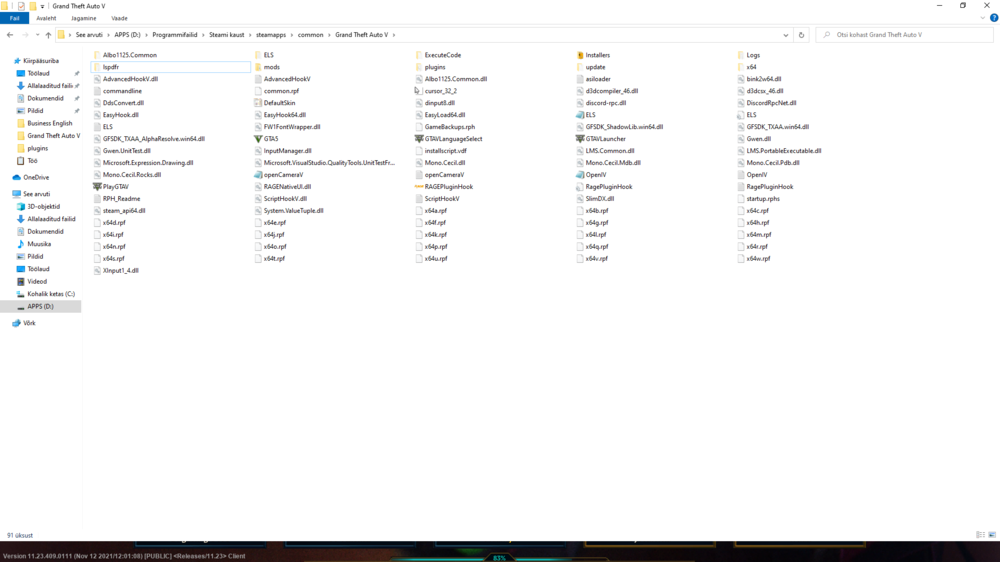
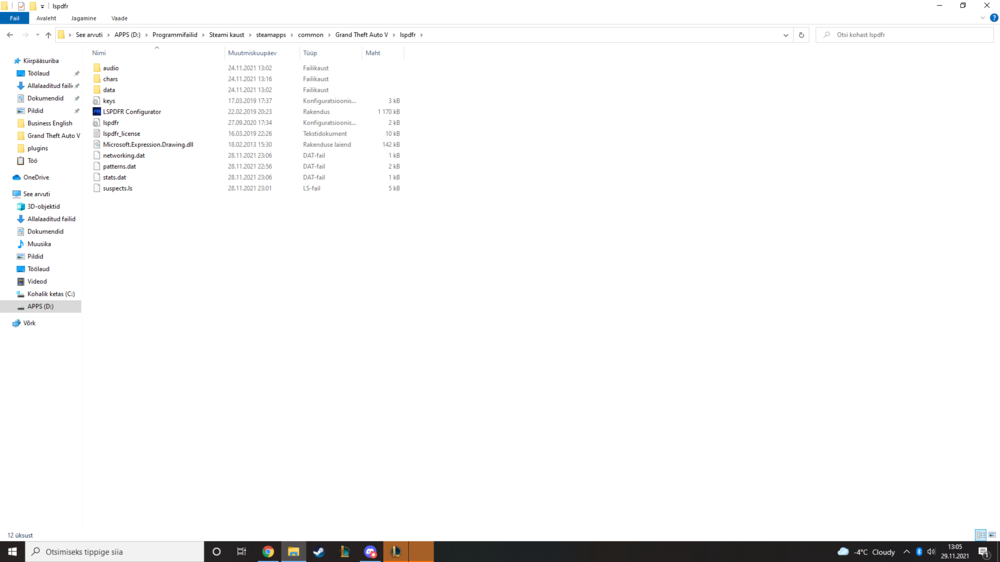
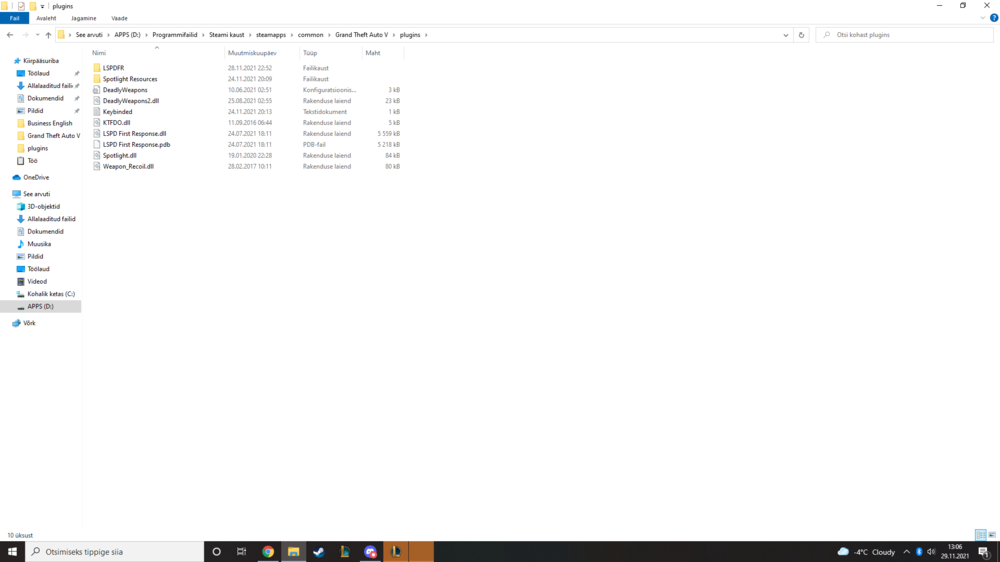
  1. Hello everyone, I am quite new to modding community in GTA V, this is the first time I have tried to get LSPDFR with the mods. I have done some modding back in the GTA SA days though (even LPSDFR for it 🙂 ). But the problem is, most of my "installed" mods do not work on the game, when entering the game, only mod I can see that actually works is "Stop the Ped", I know it works because it's the only mod that gives a pop up when going on duty, that the mod is running. I will post some screenshots of my folders and also my RagePlugin log. (Attachments!) I am extremely grateful if you guys would take the time to read about my issue and maybe even give me a couple pieces of information or advice on what should I do next. Cheers. RagePluginHook.log
Account

Navigation

Search

Search

Configure browser push notifications

Chrome (Android)
  1. Tap the lock icon next to the address bar.
  2. Tap Permissions → Notifications.
  3. Adjust your preference.
Chrome (Desktop)
  1. Click the padlock icon in the address bar.
  2. Select Site settings.
  3. Find Notifications and adjust your preference.