


Hung Tran
Members
-
Joined
-
Last visited
Everything posted by Hung Tran
-
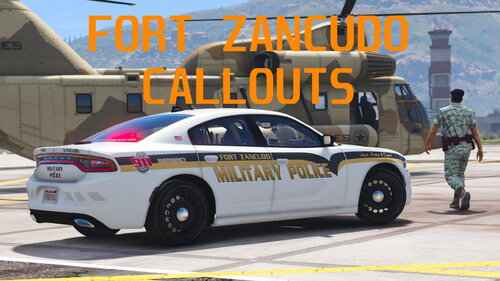 Mình gặp một số vấn đề khi cài đặt bản mod này như: Game tải xong tất cả các plugin, mình nhấn F5 hoặc mở menu quản lý tác vụ thì lập tức xuất hiện lỗi và lspdfr bị treo, không hoạt động được nữa. đã cố gắng tải lại lspdfr nhiều lần nhưng vẫn bị như vậy, ai đó có thể cho tôi biết cách khắc phục nó ...? Xin vui lòng And here are a few plugins I have pre-installed and don't know if it conflicts with Fort Zancudo Callout. Can someone help me take a look. Thanks!
 -
When will ScriptHookV be updated ?
-
thanks a lot i will wait.!
-
I got an error Installed game version: 2545 Latest game version: Unknown Supported game versions: 2372 Can someone help me solve this?
