


Mcsigmund
Members
-
Joined
-
Last visited
Everything posted by Mcsigmund
-
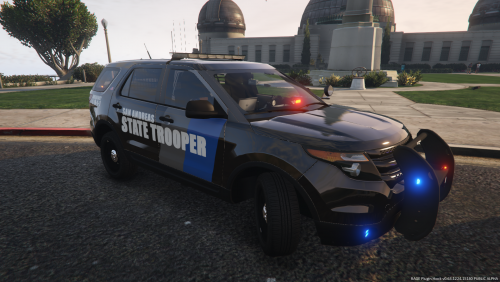 Ive encountered a problem with this. Everything else worked fine except the textures are wonky. I had a 2018 charger from the legacy pack. I originally had it in the sheriff slot where it worked fine, I did everything I was supposed to with your file to put that same car in the Highway patrol or "policeb" spot more specifically. After doing so everything worked fine except my texture is messed up now. The whole vehicle is silver with a black stripe down the side, but since putting it in policeb slot, the hood, fenders, front and rear bumper are now black, my skin still shows but now with more black than whats supposed to be there. Would you happen to have a solution to fix this?
- 21 comments
- 2 reviews
-
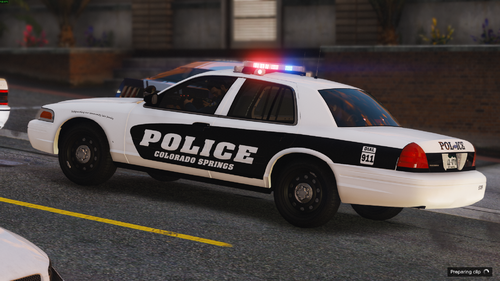 couple of issues im having is I cant find the tahoe you used, tried a couple of different tahoes but your skins arent matching up on them at all, same with the explorer, also no sign of the durango you used either, if you could include all the car model packs you based your skins off of that would be great, im not able to incorporate an SUV into it right now due to this unfortunately. The skins that i did get working look great though.
 -
Love the pack (I do wish it said colorado springs on the side instead)
