


Kebabusss
Members
-
Joined
-
Last visited
Everything posted by Kebabusss
-
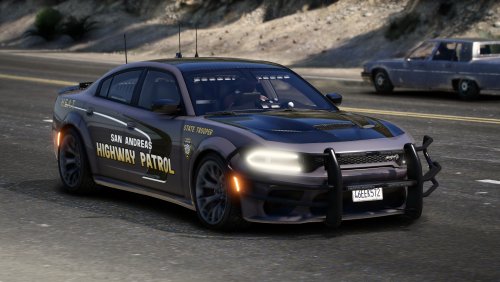 Its great! I love it! All of your work is great. HOWEVER, One small detail. Please fix the trunk and back doors opening 🙂
 -
-
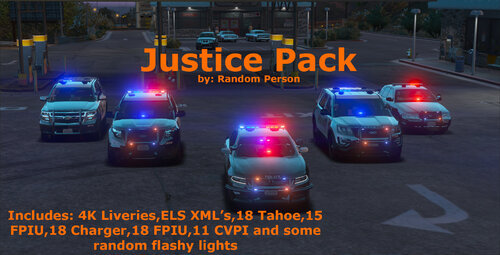 Hello! Could you please make a k9 vehicle in the pack or as a diefferent file? I would love it! Bye (Excuse my broken english please)
- 8 comments
- 1 review
-
-

- 1
-

