Skip to content
View in the app

A better way to browse. Learn more.

LCPDFR.com

A full-screen app on your home screen with push notifications, badges and more.

To install this app on iOS and iPadOS
  1. Tap the Share icon in Safari
  2. Scroll the menu and tap Add to Home Screen.
  3. Tap Add in the top-right corner.
To install this app on Android
  1. Tap the 3-dot menu (⋮) in the top-right corner of the browser.
  2. Tap Add to Home screen or Install app.
  3. Confirm by tapping Install.

Burger Boy2135

Members
  • Joined

  • Last visited

    • 30 downloads
    • Version 1.0.0
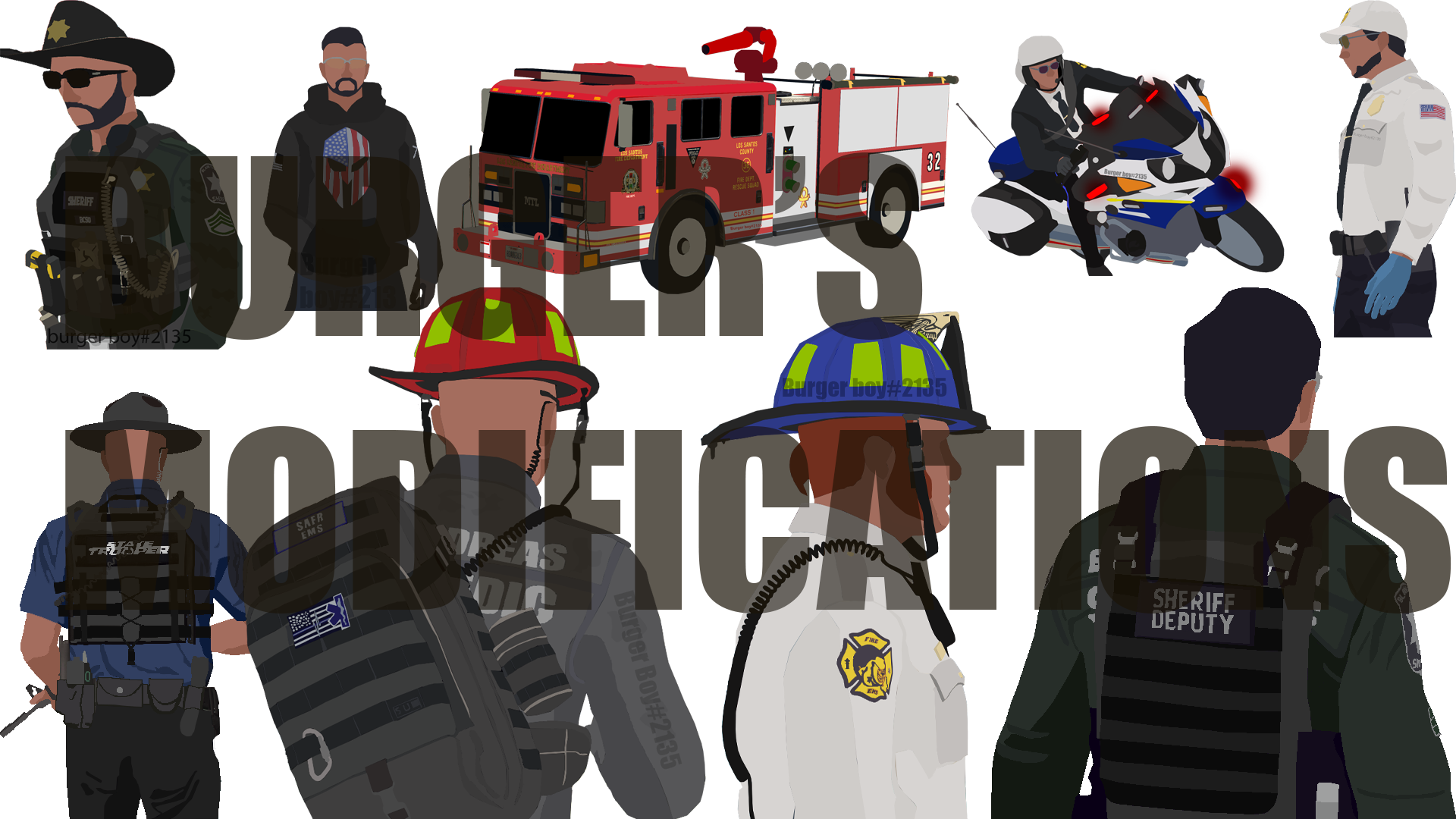
    *PLEASE KEEP IN MIND THIS IS JUST SKINS AND NOT THE CARS ITSELF. SKINS MAY HAVE TO BE MADE ON THERE OWN TO WORK WITH THERE ORIGINAL TEMPLATES NO I WILL NOT DO IF FOR YOU!* This is a small skin pack that i made for a friend he said that i was able to post it here so i did! In this there is some K9 cars however they are still very simple skins and i would personally recommend adding things like American flags and dial 911 but when u download them feel free to edit them and all that stuff! Cars in this pack: Patrol cars: CVPI Tesla MODEL S (however could not get the template to work on rednecks one so u can try if u wanna) 14 Tahoe 18 Charger 19 Tahoe GTR R35 K9 cars: 18 Charger CVPI F-150 The skins have also been made and laid out in the RAR file so its easy to find so have fun and any screenshot's that you would get then please join my discord and post them there! https://discord.gg/thZkyzR
  1.    gameboyeg reacted to a comment on a file: Serinole County Skins (templates)
  2. yeah I know lol but also the name of the file is spelt wrong. I guess blame my dyslexia lol.
    • 52 downloads
    • Version 1.0.0
    This is a template pack based off the Seminole county sheriffs office in Florida. I plan on also making a miami dade PD skin back for the same fleet but just more cars for u all to use so be on the lookout. In this pack there is: 14 Charger, 16 Charger, 18 Tahoe, 14 Tahoe, F150, F250, 16 FPIU, GMC, and a Harley bike. Please keep in mind that if you do not use the pack listed in the credits that you WILL have to make sure and test that it work and now I will not resize it for you.

Account

Navigation

Search

Search

Configure browser push notifications

Chrome (Android)
  1. Tap the lock icon next to the address bar.
  2. Tap Permissions → Notifications.
  3. Adjust your preference.
Chrome (Desktop)
  1. Click the padlock icon in the address bar.
  2. Select Site settings.
  3. Find Notifications and adjust your preference.