Skip to content
View in the app

A better way to browse. Learn more.

LCPDFR.com

A full-screen app on your home screen with push notifications, badges and more.

To install this app on iOS and iPadOS
  1. Tap the Share icon in Safari
  2. Scroll the menu and tap Add to Home Screen.
  3. Tap Add in the top-right corner.
To install this app on Android
  1. Tap the 3-dot menu (⋮) in the top-right corner of the browser.
  2. Tap Add to Home screen or Install app.
  3. Confirm by tapping Install.

AsgerTheGodLOL

Members
  • Joined

  • Last visited

Everything posted by AsgerTheGodLOL

  1. its not fixedRagePluginHook.log
  2. I think its fixed now so thank you so much for now
  3. but i dont know which pool size to increase ima increase some of them either way
  4. Thats the mod that i have downloaded
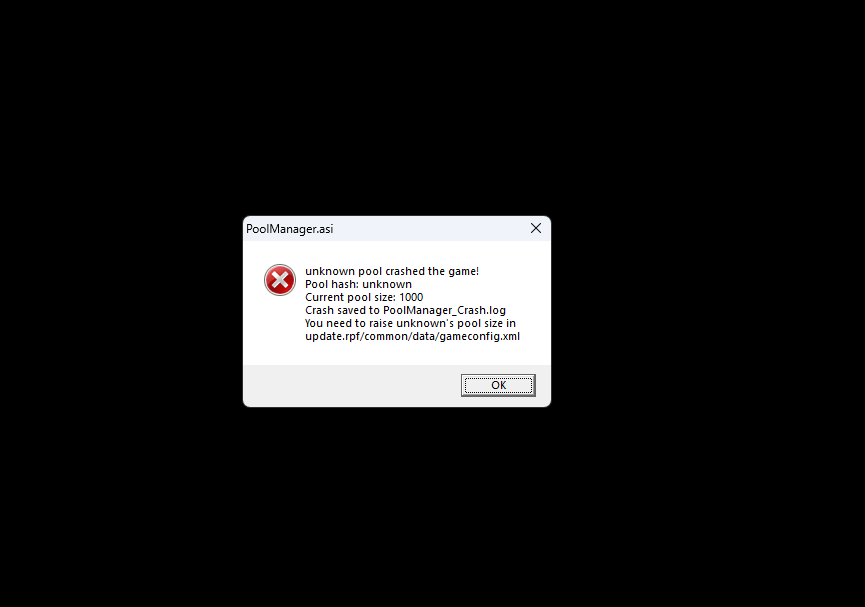
  5. i launched the game after i updated the 2 files you said and then it said that?
  6. I dont know if i did correctly but ive tried updating ragenati.ui mutiple times
  7. Sure here it is RagePluginHook.log
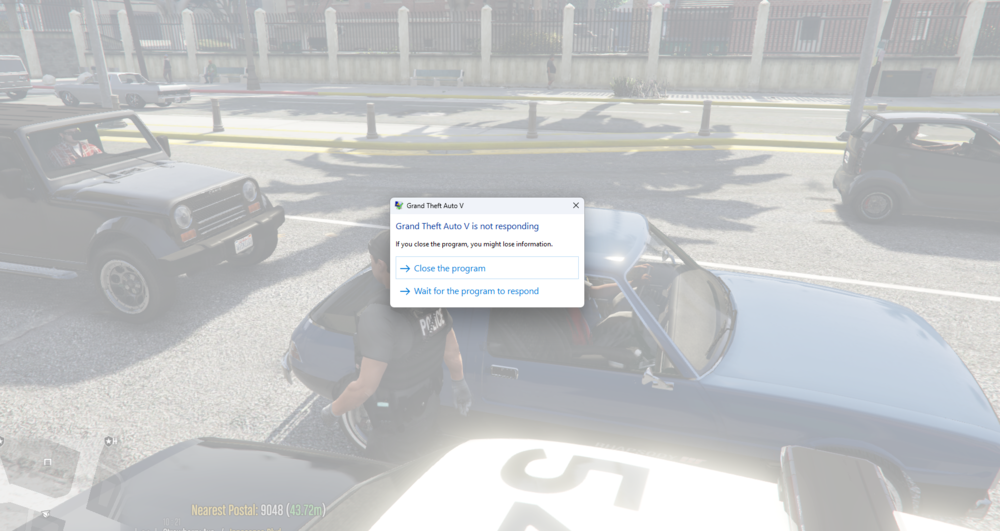
  8. So i just tried updating RPH and it still crashes yesterday i tried RPH with no plugins it still crashes but if i load into GTA V story mode it dosent crash what should i do?
Account

Navigation

Search

Search

Configure browser push notifications

Chrome (Android)
  1. Tap the lock icon next to the address bar.
  2. Tap Permissions → Notifications.
  3. Adjust your preference.
Chrome (Desktop)
  1. Click the padlock icon in the address bar.
  2. Select Site settings.
  3. Find Notifications and adjust your preference.