


isho
Members
-
Joined
-
Last visited
Everything posted by isho
-
 i had a hit and run vehicle at chumash and it spawned on its side making it so i couldnt complete the callout because the 3rd photo was underground
- 49 comments
- 8 reviews
-
-

- 1
-
-
 i got a door ajar blip for someone on a motorcycle, thought id tell u so u can fix this in the future, i also get the door ajar blip but their doors are not open at all, happened on a 2 door
- 45 comments
- 1 review
-
-
- 1
-
-
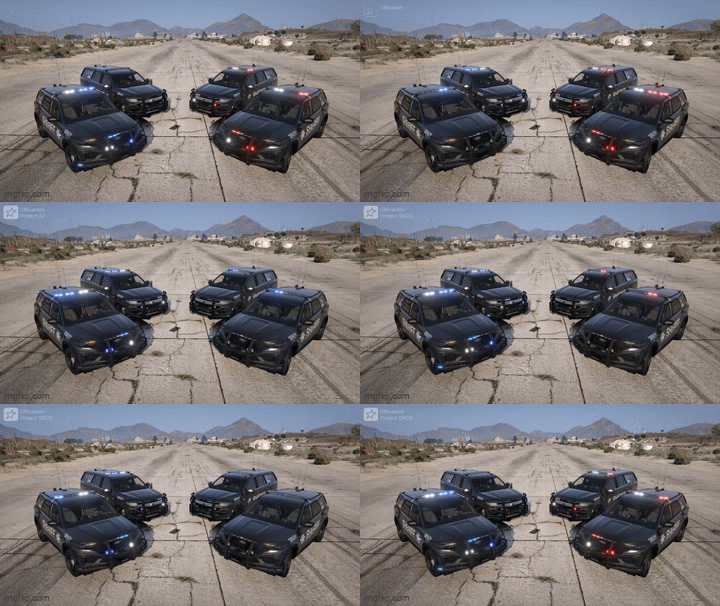 the tahoe seems to flip extremely easily in the addon version, is there anyway to fix this and the fpiu's back windows only show the window grate thingie when damaged
 -
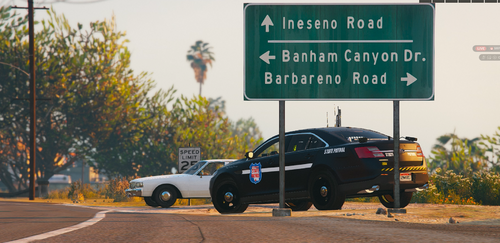 these are nice
 -
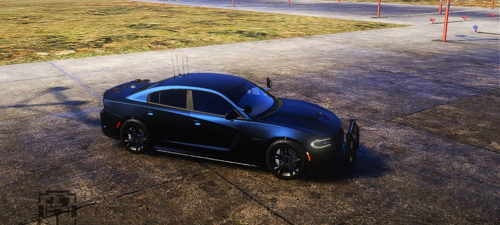 some of the lighting's messed up, for instance the lighting area on the plate is on the bottom and the top also doesn't look light it has lighting, the left side siderunners are tinted, the right side lighting above the wheels aren't fully visible, like they're pushed back into the car more, the right side mirror light when it flashes white is also more pushed into the vehicle, otherwise its a very good car and looks sick ❤
 -
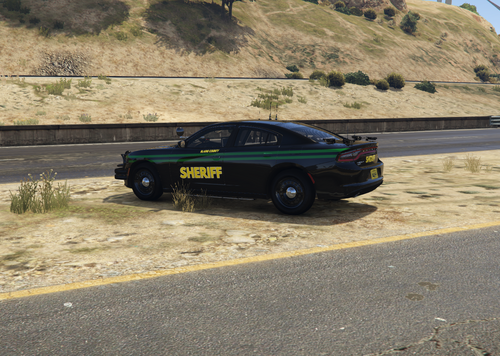 don't really know what to put here. Just a simple BCSO livery, didn't spend too long on it. If a bunch of people like it, might create more liveries for different vehicles. Presumably will work on any charger


