


kokirichild
Members
-
Joined
-
Last visited
Everything posted by kokirichild
-
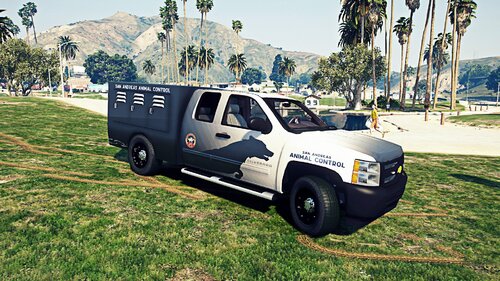 Kinda new here, I have been trying for the life of me to get this to work bc I really like this truck but I cannot figure it out. Installed the truck and put it in pd25. This mod comes with 2 png images. I tried replacing like said and nothing happens.. I then tried exporting them which turned them into .dds and added the animal.dds file like said, but now the placement of the text and logos are all out of place on the vehicle. I also don't have a 'skin.dds' file just the other .png that came with the download, so I don't even understand that. Can anyone please provide a clearer way to install this vehicle?
- 14 comments
- 1 review
-
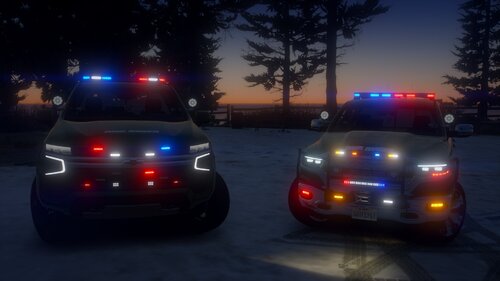 Figured it out all I had to do was drop them in pd25 lol, just posting in case anyone else has this problem
- 56 comments
- 9 reviews
-
Hi I really love these vehicles and want to use both of them but I'm having a problem with the ram 1500. I placed the pranger files in patchday24, when I view the yft files the textures show just fine, but in game its still the default park ranger truck and I cant figure out why its not changing. Can anyone help with this??
- 56 comments
- 9 reviews

