Officer Dragon Rex
Members
-
Joined
-
Last visited
Everything posted by Officer Dragon Rex
-
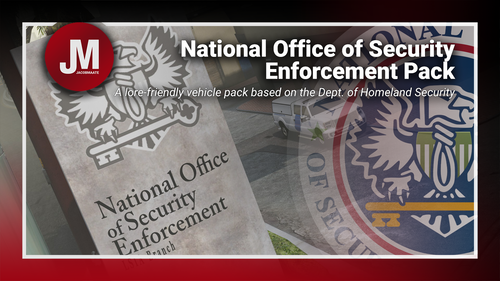 Hello, I am exited to use this pack but I am having a strange problem, I followed the install instructions by putting the folder JMnoose in dlcpacks and put in the file line in dlclist, Some of the vehicles are spawnable in the trainer, but when I spawn them in they have a regular LSPD skin and the others like the insurgent skins are not there at all. im unsure if I simply installed it wrong or if its some sort or mod conflict. Help would be appreciated, thank you.