


italycarmen
Members
-
Joined
-
Last visited
Everything posted by italycarmen
-
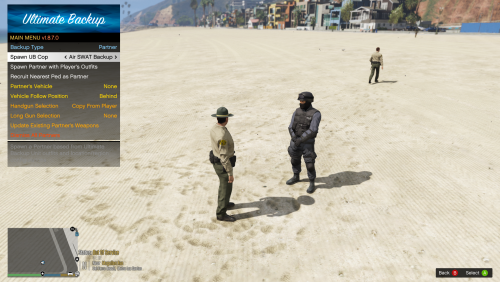 I created this based on where I live in Georgia, we only have Sheriffs and State Patrol. I have replaced local PD and updated Jurisdictions to only have Sheriff and SAHP responding, I use ultimate back up and EUP 9.5 neither of these are required as I have adjusted base game agencys to remove pd as well. Ultimate backup is not required. I am using EUP 9.5 This is V 1.0 I plan on updating more in the future Currently the only peds that show up LSPD are in the Jails and in certain police stations I am on working getting that fixed, please read the readme files if you wish to collaborate and change this up, please let me know. I hope you guys enjoy this mod
 -
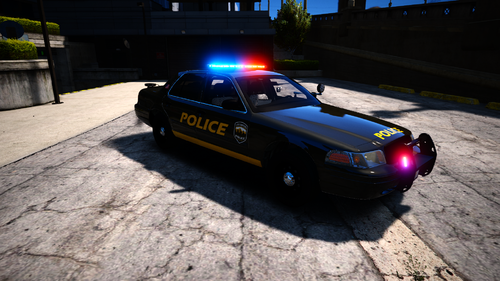 really love this pack only problem is when I load in game some of my NPC police are wearing Jeans and white shirts anyway to fix this or am I installing wrong?

