


Officer En3rGxXx
Members
-
Joined
-
Last visited
Everything posted by Officer En3rGxXx
-
 Love the mod and how it transformed LSPDFR. Great job guys. I got just 3 things i would love to be changed/added. 1st - I saw you are working on MDT above, will it be accessible from car (similar to STP) ? I would like experience without alt+tab and in general have court system data pre filled based on person i'm talking to. I feel like it would be still immersive, but not 2nd job as ReportsPlus lol 2nd - If you have partner in your car they should leave car and do at least something like guard or follow player around. He is just staying in car waiting unless told otherwise. Realistically your partner won't be waiting for you drinking coffee while you do hard work 😄 3rd - Please include takedown keybind - STP had it done really well with double tap E. LSPDFR keybind works but during run pursuit you have to be close to fill in meter and also sometimes it doesn't work. Thank you 🙂
- 625 comments
- 48 reviews
-
-

- 1
-
-
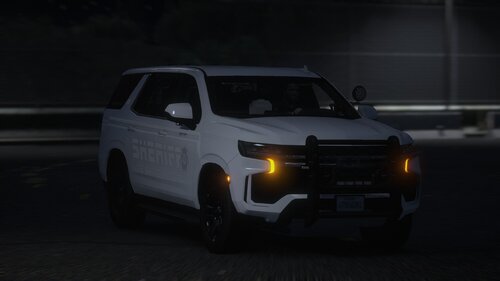 Love this pack so much. Can i ask you would it be possible to add also CVPI ? I saw that it was used IRL and i think would be nice addition. Possibly even with DLC pack
 -
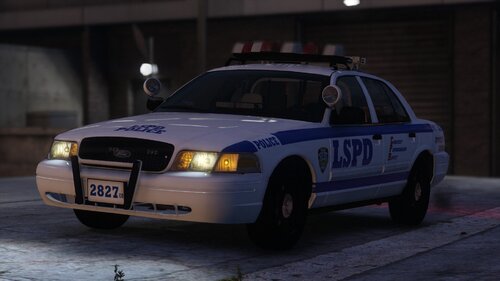 Hello, amazing job, would it be possible to add normal NYPD livery ? Thank you
 -
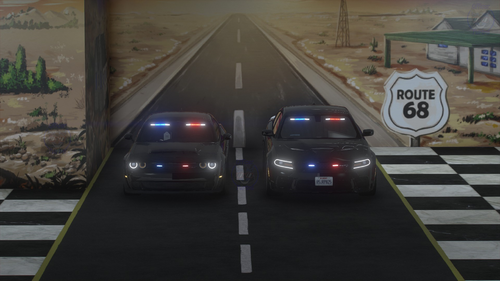 amazing work. I'm using Challenger Demon and would like to ask. When i leave vehicle ELS remain static and is not flashing. I've installed Demon as FBI vehicle.
- 30 comments
- 1 review
-
-
- 1
-
-
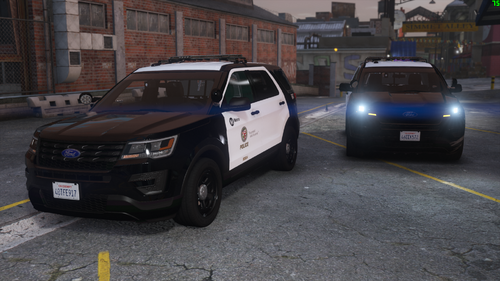 Hi Guys, I love this mod, but i'm looking for advice. I only have siren 1 and 2 with ELS, but siren sound 3 is missing. Carcols was installed properly and lightbar is working as it should be. Thank you for response.
- 68 comments
- 6 reviews

