


ThatOneOfficerLSPDFR
Members
-
Joined
-
Last visited
Everything posted by ThatOneOfficerLSPDFR
-
-
my police peds are glitched. i reinstalled GTA V and added LSPDFR some plugins but not EUP and i had this problem with my EUP so i reset my lspdfr and my peds still have a weird outfit
.thumb.png.765725360b640df0b952b9c7e99911c4.png)
-
thank you for your help
-
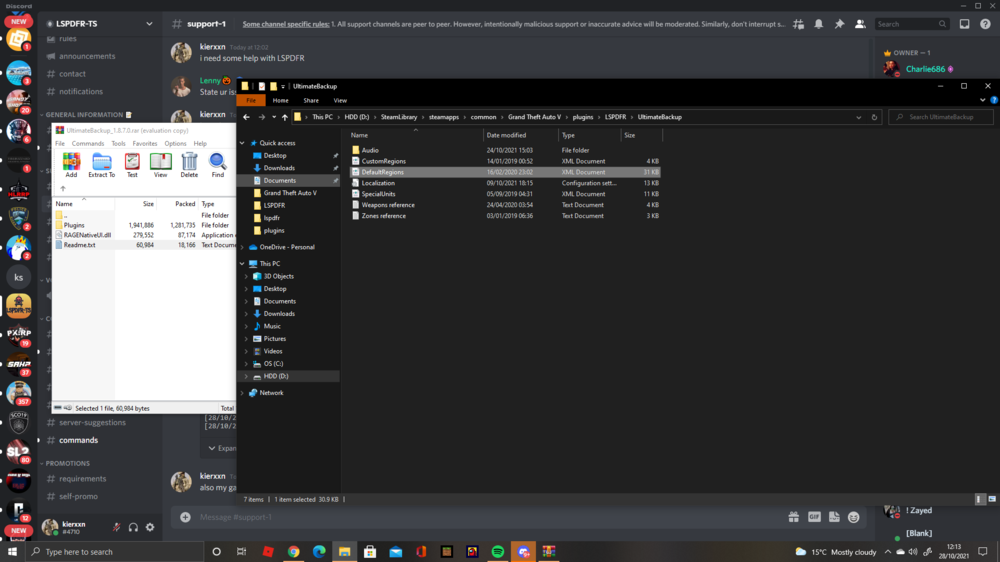
where do i drop them? into my plugins folder or just the directory
-
i have the files in there but idk where to put them
-
what is the pathway for them files?
-
ultimate backup
-
how do i make my police andsheriffs use peds not eup because i want to use Met police peds
-
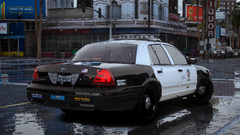 what graphics mod do you use?
 -
id get the San andreas state troopers and the SAST vest texture


.png.58deb2494b4311020a634fa4ad989d90.png)

