Skip to content
View in the app

A better way to browse. Learn more.

LCPDFR.com

A full-screen app on your home screen with push notifications, badges and more.

To install this app on iOS and iPadOS
  1. Tap the Share icon in Safari
  2. Scroll the menu and tap Add to Home Screen.
  3. Tap Add in the top-right corner.
To install this app on Android
  1. Tap the 3-dot menu (⋮) in the top-right corner of the browser.
  2. Tap Add to Home screen or Install app.
  3. Confirm by tapping Install.

ewq

Members
  • Joined

  • Last visited

Everything posted by ewq

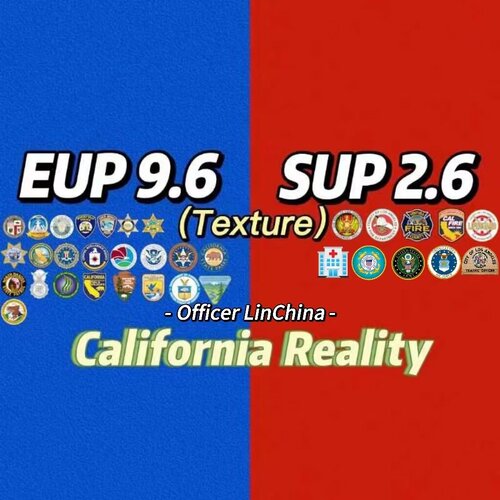
  1. 我是来自国内的玩家 酸奶灬芝士 能看到国人发的内容真的很不容易 很荣幸能够使用您的纹理包 我真的很喜欢他 在此表示感谢
  2. Nice to see this siren again, very nice audio Thanks for the effort😆
  3. Thanks for sharing really nice siren Looking forward to your release of a louder version
  4. Its sound is too low. Is there any way to increase the volume and look forward to a reply thanks
Account

Navigation

Search

Search

Configure browser push notifications

Chrome (Android)
  1. Tap the lock icon next to the address bar.
  2. Tap Permissions → Notifications.
  3. Adjust your preference.
Chrome (Desktop)
  1. Click the padlock icon in the address bar.
  2. Select Site settings.
  3. Find Notifications and adjust your preference.