MrGovernment
Members
-
Joined
-
Last visited
Everything posted by MrGovernment
-
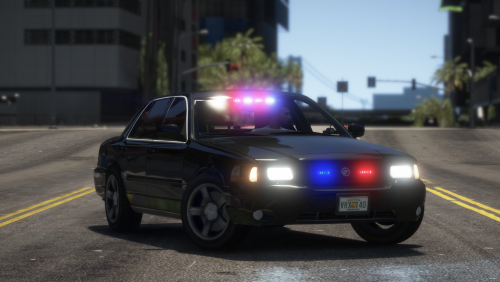
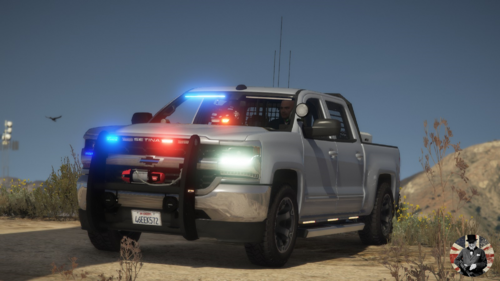
.thumb.jpg.6267e15787a2801b725d8db30add54e6.jpg) looks good, accurate as well. Have you thought about doing the new black livery for LMPD like these?
looks good, accurate as well. Have you thought about doing the new black livery for LMPD like these? -
-
So I updated LSPDFR and script hook v today. 6/19/25. Now I get just a black screen as it goes into story mode. Even tried just launching GTA without rage and it still freezes up when loading story mode. I've tried everything I can find online including changing mods to _mods, deleting my cloud save, verifying through steam and changing permissions on recommended files. Any help would be greatly appreciated before I have to do a clean install.
-
-
What was the fix? having the same issue with 2 cars since the newest update
-
Had a charger and challenger installed in police5 and polgauntlet that came with Chop Shop {CC}. updated everything for the new bottom dollar bounties, got the new cars and even replaced them with desired cars. Now my CC cars went back to vanilla and I cannot replace them again. Anyone know why?
-
-
-

.thumb.jpg.6267e15787a2801b725d8db30add54e6.jpg)