


.jpg.0f015141a1f443d5415d261046e8bf20.jpg)
bez.ethannn
Members
-
Joined
-
Last visited
Everything posted by bez.ethannn
-
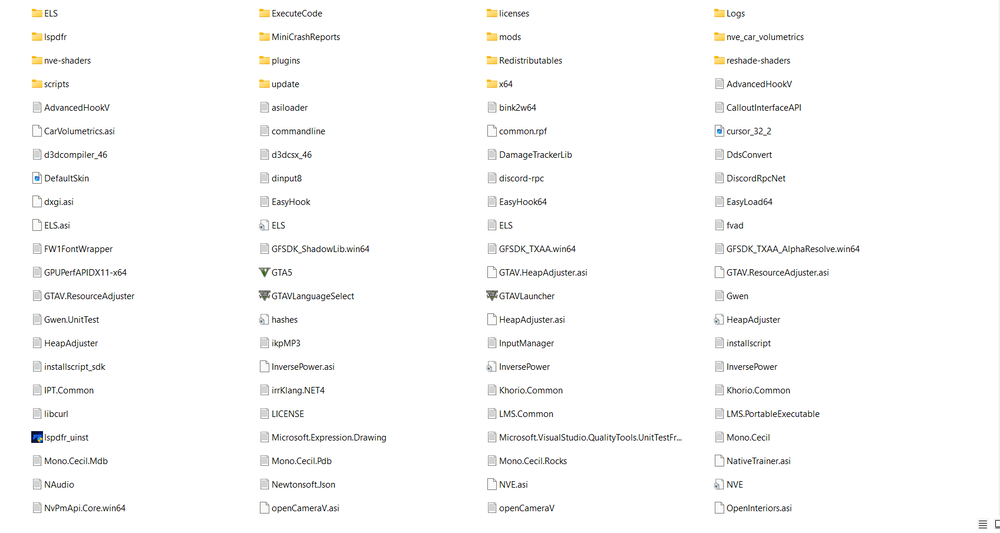
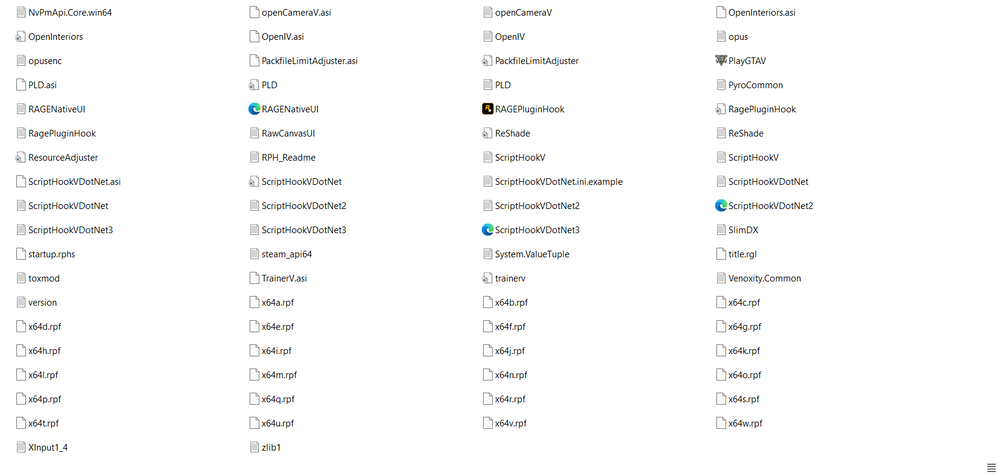
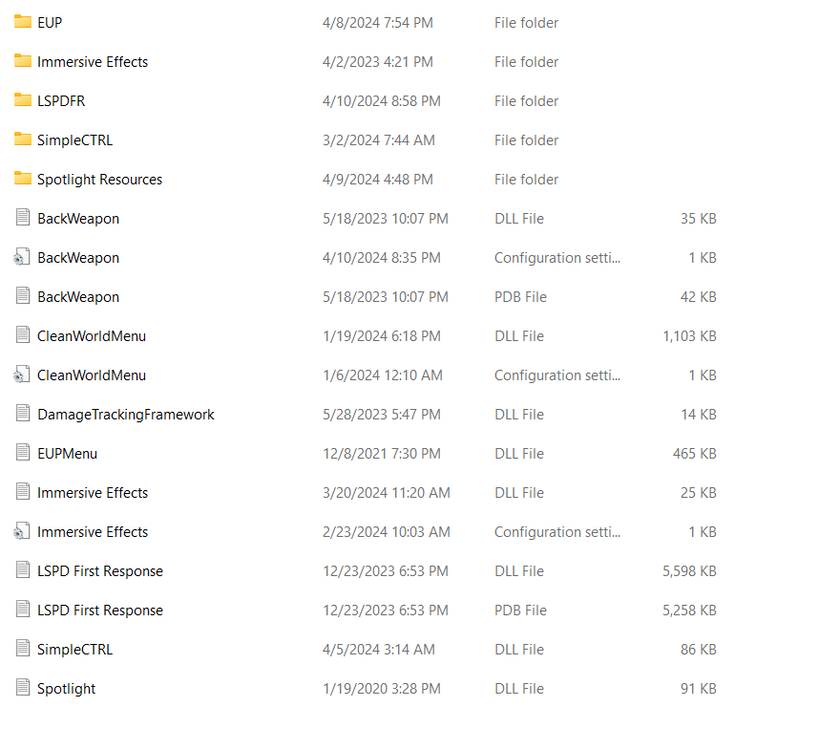
All plugins load and function as intended, but as soon as I load the LSPDFR plugin it instantly crashes. My LSPDFR Was working totally fine, and after I installed these mods it started giving me issues: -Watch your death v5.0.1 -Realistic Driving v2.5 -Stow That Weapon v3.1.0 -Sticky Wheels v0.2 -Super Events v3.0.5 -Richs Police Enhancements v1.5.4 (uninstalled this, thinking it was the issue) ------------------------------- I've attached my: RPH Crash log GTA Main Directory Plugins Folder RPH Crash.txt
-
 No, this will not mess with anything from LSPDFR. Based on what plugins you have set to load on startup, I recommend unloading any and all plugins you have for LSPDFR (other than typical gameplay enhancement such as Deadly Weapons, Disarm, etc) in the RPH console then loading Los Santos RED. Only Issue I seem to be having is that Los Santos RED seems to be working perfectly, everything is going as expected until randomly after about 35 minutes of playing the plugin crashes. Anyone know a fix, or how to stop this issue from happening? It's just really bothersome and annoying when I'm in the middle of something.
- 696 comments
- 29 reviews
-
I did try this, and it didn't work. I figured out the solution. Somehow the files weapons.rpf (patchday8) were all deleted. FiveM came to the rescue by actually telling me what files were missing before crashing. I was able to copy my default patchday 8 over and re-install my necessary mods which fortunately didn't take too long.
-
Im an idiot lmao RPH Crash.txt
-
Where can I find the new game config? I'm having the same issue, and nobody else can seem to find a fix. Please send any information my way I'd really appreciate it.
-
LSPDFR was working just fine, I added a speed radar (since deleted), and an addon vehicle (I've used it before, no issues.) My GTA V main directory is exempt from antivirus. I use default Windows 10 antivirus. Not sure what the issue could be. Read a few threads that didn't solve it (removing dinput8.dll, reinstalling, etc). I have attached my RPH crash log below in a .txt file.
.thumb.jpg.6d889ec1dd8a4090ba759b678e5acc93.jpg)


