


.png.19c2674563d196f6700d3455a1643945.png)
radman73
Members
-
Joined
-
Last visited
Everything posted by radman73
-
-
-
What even do you put here
-
-
-
-
-
-
-
-
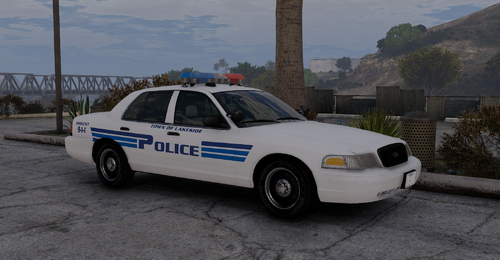 Beautiful liveries! From what I've seen, these look very very accurate. Do you mind me asking who's Durango model that is in the photos? I see that it is georgiemoon's base, but I can't find a model with the legacy lightbar and pushbar you have there!
 -
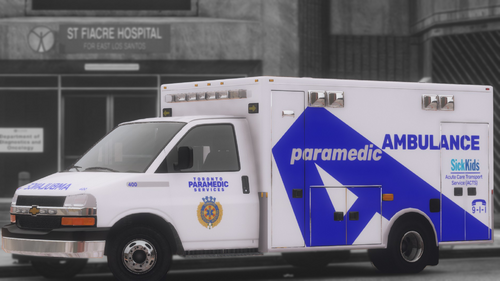 ════════════════════════════════════════════════════ CANADIAN AMBULANCE LIVERY MEGA PACKCrestline Coach Ambulance════════════════════════════════════════════════════ v1.0 / Aug05 2026 / radman73 Welcome to version 1.0 of the Canadian Ambulance Livery Megapack. One thing I struggled with while trying to establish my fleets within the game, was finding reliable and realistic looking Ontario-based EMS services. The GTA V modding community is currently quite dry of the trucks that we use here in Ontario (Crestline Coaches). I eventually stumbled upon the beautiful N-ELS FiveM Ready 2017 Chevy Ambulance by bevarnow. I did some messing around with the files and created a Red/Blue lighting variant and several very detailed Canadian EMS liveries, with a focus on Ontario. https://www.lcpdfr.com/downloads/gta5mods/vehiclemodels/34529-n-elsfivem-ready-2017-chevy-ambulance/ The creator of this beautiful model, bevarnow, has very generously given me permission to not only provide the updated texture files to convert the vehicle to Red/Blue, but has allowed me to upload the repackaged .ytd file so that you don't have to spend a bunch of time doing it manually. This pack currently (v1.0 2026/08/05) features 13 different services across Ontario and western Canada, with 32 individual liveries featuring several special editions such as ALS and Critical Care variants for some services. The model made by bevarnow is a FiveM Ready Model. I would like to remind everyone that FiveM Ready Models CAN be converted to singleplayer/lspdfr (and ELS) through a few steps. For a full tutorial on how to convert the model to singleplayer, there are several tutorials that can be found; however, this is the one that I used: https://youtu.be/w5_gpf6kZDQ?si=c5u173R0IDAShKtU&t=74 ──────────────────────────────────────────────────── WHAT'S INCLUDED ──────────────────────────────────────────────────── Included in this pack is: ONTARIO: 1. Chatham Kent EMS - 1133 - 1129 2. Elgin St. Thomas EMS - 1555 - 1152 3. Essex Windsor EMS - 1157 - 1121 4. Middlesex London Paramedic Services - 1183 - 1047 5. Ornge CCLA - 7768 - 7777 - 7764 - 7787 6. Oxford County Paramedic Services - 1007 - 1194 7. Sault Ste Marie Paramedic Services - No Truck Number Assigned 8. Superior North EMS / Thunder Bay - 60129 - 60021 9. Toronto Paramedic Services - 863 - 933 - 541 / Critical Care - 400 / SickKids Acute Care Transport Service (ACTS) 10. Voyago Patient Transfer / Transdev - 17147 - 1272 MANITOBA: 1. Winnipeg Fire Paramedic Services - 16 - 06 SASKATCHEWAN 1. Medavie Health Sciences West - Saskatoon - 2047 - 1915 BRITISH COLUMBIA 1. British Columbia Emergency Health Services - 63833 - 63554 - 63541 / Advanced Life Support - 63990 / Critical Care - 63271 / Infant Transport Critical Care Red/Blue Lighting Conversion! https://imgur.com/a/BmnTZvC ──────────────────────────────────────────────────── KNOWN ISSUES ──────────────────────────────────────────────────── Currently there are only two known issues that I am aware of with the textures: On the front of the truck superior to the cab, there is a texture mapping problem where parts of the livery here, appear on a cab seam above the passenger door. This is most prevalent on the Elgin St Thomas livery. There is simply nothing I can do about it due to it being a texture mapping issue. This also occurs in a very small capacity on the BCEHS liveries. There is a texture mapping problem on either side of the body, just below the turn signal lights on the side of the vehicle. This results in a small portion of the livery being improperly displayed and miscoloured/misaligned. This is a very small detail that is easy to overlook. Again this is a texture mapping problem that I have no control over. This is visible on several liveries.
 -
-
 Toronto Paramedic Services 400 SickKids ACTS / Last Photo Before Release
-
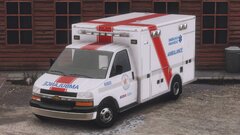 WIP British Columbia Emergency Health Services (BCEHS) Vehicle Texture
-
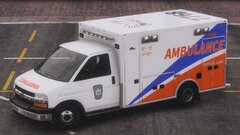 WIP Ornge Vehicle Texture
-
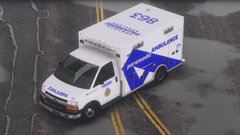 WIP Toronto Paramedic Services Vehicle Texture
-
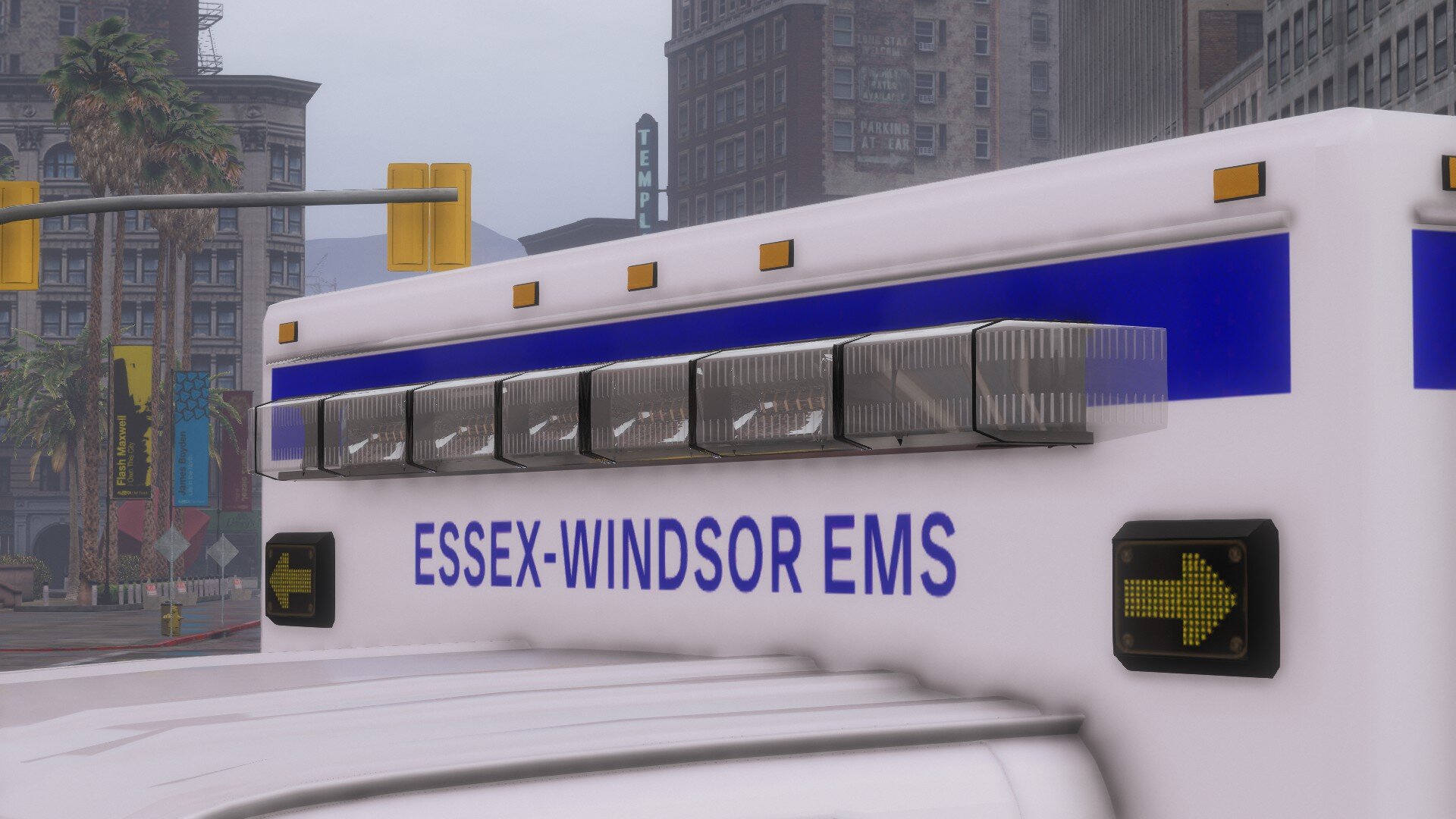
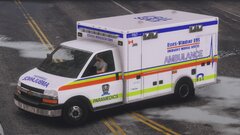 WIP Essex-Windsor EMS Vehicle Texture
-
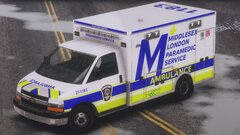 WIP Middlesex London Paramedic Service (MLPS) Vehicle Texture
-
-
From the album: My Stuff / WIP and whatnot
-
From the album: My Stuff / WIP and whatnot
-
From the album: My Stuff / WIP and whatnot
-
From the album: My Stuff / WIP and whatnot
-
From the album: My Stuff / WIP and whatnot
-
From the album: My Stuff / WIP and whatnot
-
 Hey man thanks! Yep, I've got it on my profile as well, but my user is the same as here: radman73
 -
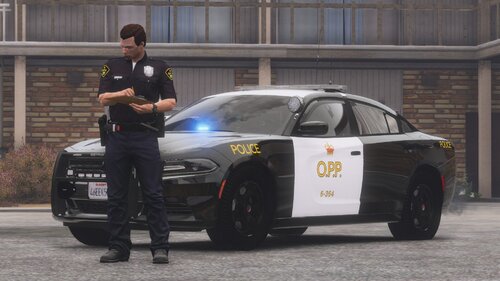
I'll be honest, there really is not much to say here... Pack includes OPP liveries for the following vehicles: - 2018 Charger - 2016 FPIS - 2016 FPIU - 2020 FPIU - 2020 Tahoe I am undecided as to whether I will add more liveries in the future- depends on what vehicles are coming out that match these ones. Could add a 2021Tahoe or Durango should I find good models. I additionally may consider providing a lower resolution version of the textures in the future - I've noticed there is a potential of game texture lose when used amongst other high-quality vehicles/liveries (but that goes for anything really) Thanks Link to pack:
-
 Genuinely such a fantastic addon! This is so well developed and allows for so much more creativity and immersion. I am very impressed! The only thing I noticed I was wanting, was the ability to manually insert locations for things like arrest records and the other reports that don't let you. Absolutely worth a download & try
- 397 comments
- 45 reviews
-
-

- 1
-
-
-
-
 Been using this addon for over a week now, unfortunately, cannot get it to work. Installed as per instructions with all requirements met; however, statistics all remain at zero, and ped identities do not carry over when revisiting the same ped. Would love to see this working in the future
.thumb.png.75f5e175c0490d172f5b2ff604f727d2.png)


.thumb.jpg.53b34831893b714bdea2520e5d0a8595.jpg)
