


primetime15
Members
-
Joined
-
Last visited
Everything posted by primetime15
-
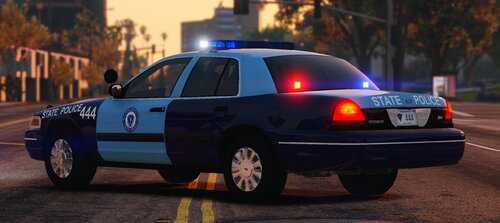 so i managed to get it working by spawning it in the simple trainer and not through a pd garage, and spawning it that way i guess helped me?
 -
i wasnt sure which to install, so i have both lmao, but it works now
-
so being that im from massachusetts, i see these state police cars everywhere, mostly on the highway, but its amazing to see this, although sadly theres 2 issues, the windows are solid pieces, (meaning i cant see through them at all), and ELS doesnt work, and i know i installed it right, idk what the issue is, the lights dont come on at all
