shawnnfr
Members
-
Joined
-
Last visited
Everything posted by shawnnfr
-
 yeah same. also tried changing the defuse tint in the meta but they were already set to the normal value. idk.
 -
Looked in the FAQ already, nothing relates to this, deleted the args.txt thing, deleted Rockstar Games Launcher and SDK and reinstalled, disabled BattleEye from the launcher (all as I saw in other forums), verified games files, reinstalled LSPDFR via manual version plenty of times and still nothing. also tried starting gta, loading all the way and start rph and it gives the unable to start game, please try reinstalling which ive tried also.
-
-
 use patchday27g9ecng
 -
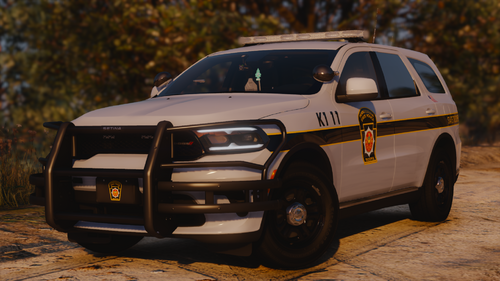
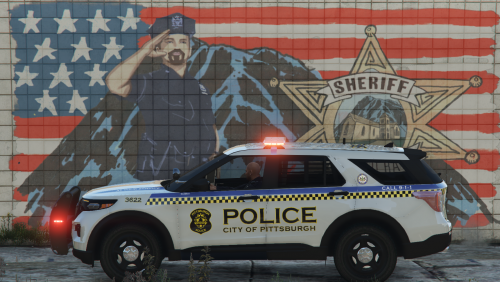
i literally love you for this, from pgh and ive never seen my cars of my city
-
-
-
 oh okay, ill try that since i havent played since i got off when using the pack for the first time.
- 119 comments
- 11 reviews
-
pack is amazing! been playing for hours because of it. one thing, when i turn on the lights full stage, on the chargers, (marked and UM) the right headlight, (left if youre looking from the front of the car), the light is out but the strobe light continues lol. and the entire back light, tail light whatever doesnt flash either, just blacks out. amazing pack tho, love it!
- 119 comments
- 11 reviews
-
-

- 1
-
-