
Konrad A Wagner Schatter
Members
-
Joined
-
Last visited
Everything posted by Konrad A Wagner Schatter
-
-
-
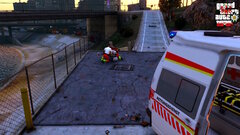
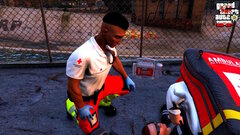
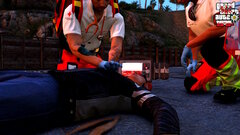
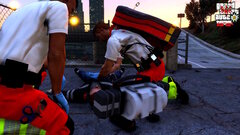
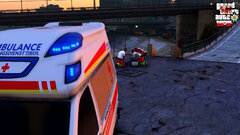
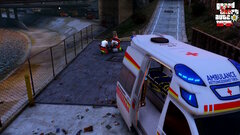
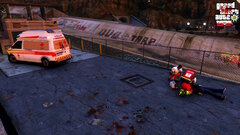
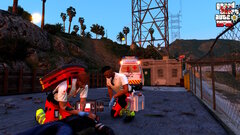
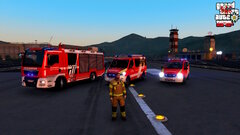
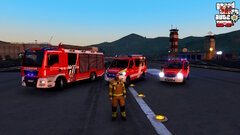
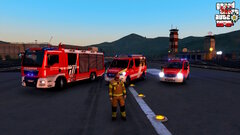
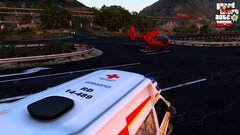
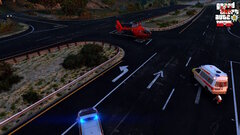
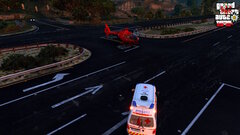
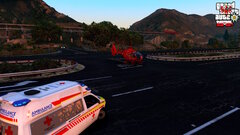
This is GRAND THEFT AUTO TYROL, a SP project overhaul to make San Andreas to Sankt Andreas, a fictive county/district of Tyrol Austria! In the future it will possibly be expanded to a FiveM server project! Main characters are: OA Dr. med. univ. Ing. Konrad Alexander Wagner-Schatter, MSc, emergency doctor with the Austria Red Cross and practitioner in "Sankt Andreas Marienhospital" Ing. Benedikt Josef Pichler (NFS/NKV), paramedic with the Austrian Red Cross and ex-Bundesheer BlackHawk pilot Eduardo Georg Rossi-Kofler, ex-Bundesheer Eurofighter pilot and currently working for HeliTirol
-
20230912120501_1
-
 20230912120404_1
-
 20230912120049_1
-
 20230912120034_1
-
 20230912120014_1
-
 20230912115955_1
-
 20230912115934_1
-
 20230912115915_1
-
 20230909210128_1.jpg
-
 20230909210116_1.jpg
-
 20230909210013_1.jpg
-
 20230909104203_1.jpg
-
 20230909104154_1.jpg
-
 20230909104144_1.jpg
-
 20230909104119_1.jpg
-
 20230909104103_1.jpg
-
 20230909104048_1.jpg
-
 20230909104038_1.jpg
-
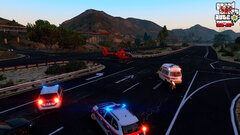 20230909104017_1.jpg
-
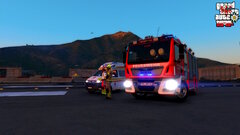 20230908121926_1.jpg
-
-
-
-
-
-
-
-
-
-
-
-
-
-
-
-
-
-
-
-
-
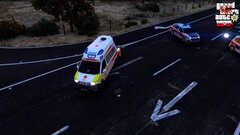
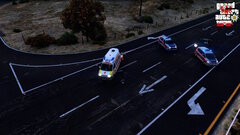
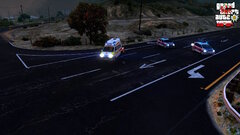
So as the title states I have a problem with a custom vehicle: The vehicle is installed in ambulance slot but also was tested on a addon slot. The problem is whenever I enter the vehicle everything is fine I can turn on and off all lights/emergency lights etc. but when I start driving I get a frozen screen and then the game crashes Here's a video: https://streamable.com/kup009 (the render quality was lowered just to export it faster) Would be amazing if someone could help me!